User-Generated Content Permission Guide: Repost Customer Photos Fairly
A public tag is not the same as consent to reuse a photo. Ask first, keep proof, give fair credit, and respect the creator’s choice.
A tag is not permission to reuse a photo
A customer posts a photo of a new product and tags a brand. The marketing team likes the picture and wants to use it in an ad. That can be a good moment to celebrate a real customer, but the tag alone does not mean the brand owns the photo or can reuse it everywhere.
User-generated content can include reviews, images, videos, and stories made by people outside the brand. Sharing it with care helps keep relationships fair. Reposting without clear permission can lead to disputes and make customers feel used.
This guide focuses on a simple permission workflow for small marketing teams. It covers what to ask, what to record, how to credit creators, and how to respond if someone changes their mind. It is not a substitute for legal advice about a specific country or campaign.
Decide how the content will be used
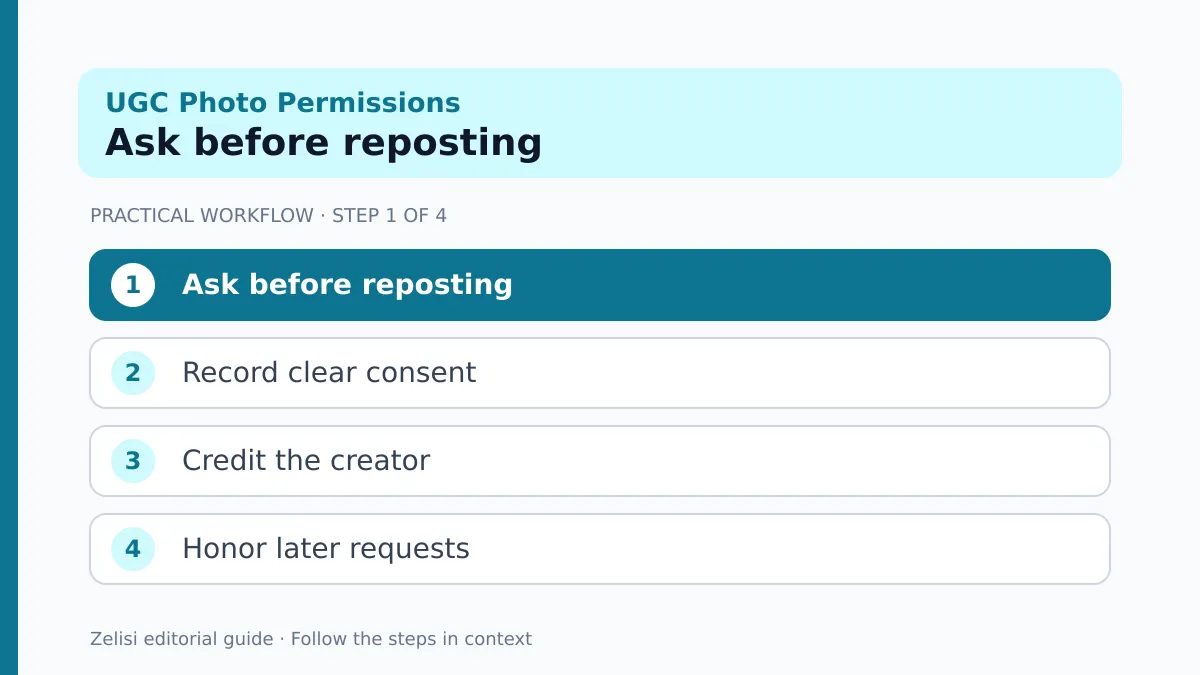
Before you contact a creator, write down what you want to do. Is it a one-time social repost, a website testimonial, an email image, or a paid ad? These are different uses. A person may be happy with a story repost but not with their face in an advertisement.
List the platform, format, duration, and whether you will edit the work. If a campaign may run in several countries, state that. If you need the raw file, explain why. Do not ask for broad rights just because it is easier for the team.
Check whether other people, private places, or protected material appear in the image. The photographer’s permission may not settle every right connected with the content.
A clear use plan makes the request easier to understand and prevents the team from promising one thing while doing another.
Ask in plain language
What the social team should record
A permission request should name the exact post and proposed use. Keep it friendly and direct. Tell the creator whether there is payment, credit, an edit, or a time limit. Give them a real way to say no.
A short message might explain that the team wants to feature the photo in one organic post with a credit tag. If the brand later wants to turn it into a paid ad, ask again for that wider use. Do not assume an old yes covers every future campaign.
Avoid making a creator feel that a public complaint will follow if they decline. Permission should be a choice, not pressure. Save the reply in a secure campaign record with the date and the approved use.
If the platform provides a formal rights tool, use it according to its current terms. A comment with an emoji may not be enough evidence for a high-value campaign.
Check who actually owns the work

The person who appears in a photo may not be the photographer. The person who reposted a video may not have made it. Ask the creator whether they made the work or have the right to grant the use you need.
Music, art, logos, and clips from other media can create extra restrictions. A short customer video with a popular song may be fine to view within a platform but not licensed for a brand ad or a website download.
If you cannot confirm rights, choose another asset. There is no need to stretch a weak permission record to fill a content calendar. Original photos and properly licensed stock may be simpler.
For material offered under a Creative Commons license, read the exact terms at Creative Commons. Some licenses require attribution or restrict commercial use or edits. A CC label is not a blanket yes to every use.
Make credits specific and visible
When you promise credit, give it where people can see it. A creator name or handle near the image is more useful than a small note buried at the end of a page. If the post has several contributors, check who should be named.
Credit is good practice, but it does not replace permission. A brand cannot take a protected image simply by adding the owner’s name. The use must still fit the rights granted.
If the content is a customer quote, keep the words accurate. Do not edit a mixed review into a glowing endorsement that changes its meaning. Explain any shortened excerpt where the change could affect the reader’s view.
Keep a copy of the approved caption and creative version. That makes it easier to review the exact material if someone later asks how it was used.
Disclose rewards and brand relationships

A customer who receives a free product, payment, or other benefit may have a connection that readers need to know about. The rules vary by place, but hidden incentives can damage trust even when a post looks genuine.
The US Federal Trade Commission’s endorsement guidance explains why a brand tag alone is not a disclosure of a material relationship. Check the current rules for each market and platform where your campaign appears.
Do not ask someone to write a positive review in exchange for a reward. Let them share an honest view. A customer may like one part of a product and dislike another. The brand should not secretly rewrite the opinion.
If a creator is paid, put the disclosure where viewers can notice it, including in the video when appropriate. A platform tool may help, but do not assume it always solves every requirement.
Keep a permission log for the team
A small shared log can prevent accidental reuse. Record the creator, original post, date of permission, approved channels, paid or organic use, editing rights, credit wording, expiry, and any limits. Keep personal details secure and grant access only to staff who need them.
Tag the asset in the team’s media folder with a status such as approved for organic social, pending, or expired. Do not leave unapproved files mixed with ready-to-publish images. A designer working quickly may otherwise pick the wrong one.
When a campaign is renewed, check the rights before copying the old creative. A permission for one month does not automatically cover the next year.
Give one person ownership of rights review. Content teams move faster when someone knows where to find the answer.
A real example: a cafe customer photo
A cafe customer posts a photo of a meal and tags the cafe. The team wants to share it in the cafe’s social feed. A staff member asks permission for that one organic repost and credit. The customer agrees. The team saves the reply and posts the photo with the promised tag.
Two months later, the cafe plans a paid campaign. The manager checks the log and sees that paid use was never approved. They contact the photographer again, explain the plan and duration, and discuss any reward. The customer may agree or decline.
If the customer declines, the cafe uses its own food photo. Nothing is lost except one possible creative idea. The relationship stays respectful, and the campaign does not rest on a guess about rights.
A good workflow makes the ethical choice simple for busy staff.
What to do if someone asks for removal
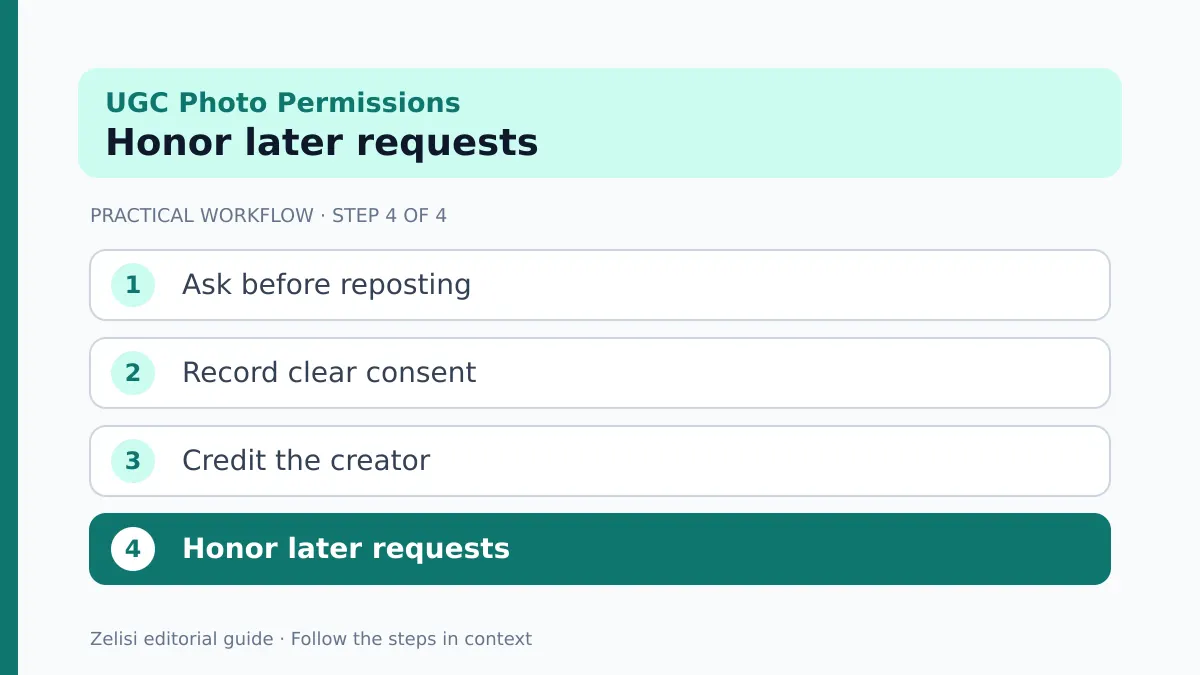
Treat a request seriously and respond without arguing in public. Check the permission record and the exact content in use. Pause new uses while the right people review it. The team may need legal advice when a formal license or paid contract is involved.
If removal is agreed or required, identify every place the asset appears, including ads, website pages, scheduled posts, and email templates. Stop or replace what you can and tell the creator what has been done. Some already-sent emails cannot be recalled; explain that limit honestly.
Do not promise instant removal across every third-party share. You can control your own channels and ask partners to remove copies, but a public post may have been saved elsewhere.
Keep a short record of the request and response so the next team member does not use the asset again.
A checklist before any repost
What the social team should record
The review should take less time than rebuilding a campaign after a dispute. Use it whenever the team wants to publish someone else’s work.
- Confirm the creator and the original source.
- Record permission for the exact channel and purpose.
- Check music, other people, and third-party material.
- Use the agreed credit and disclosure.
- Check the rights end date and edit limits.
- Save the final asset and permission record together.
If one item is uncertain, hold the post. A short delay is better than publishing content the brand may not be able to use. Give team members a safe alternative asset so they do not feel forced to take a risk.
Review the process after each campaign and make the next request easier to understand.