Social Media Crisis Response Plan: What to Say, Who Decides, and How to Help
Why a response plan beats a quick reply
A social post can spread before a team has checked what happened. A complaint may be real, mistaken, or missing key facts. A fast reply that guesses can make the problem worse. A good crisis plan helps the team pause, check, and speak with care. It does not aim to silence every bad comment. It helps customers find clear facts and a safe way to get help. Start long before a crisis. Write down who can review a claim, who can approve a public response, and who can reach support or site staff. When pressure grows, a short plan can prevent rushed words that live online for years.
Define what counts as a crisis
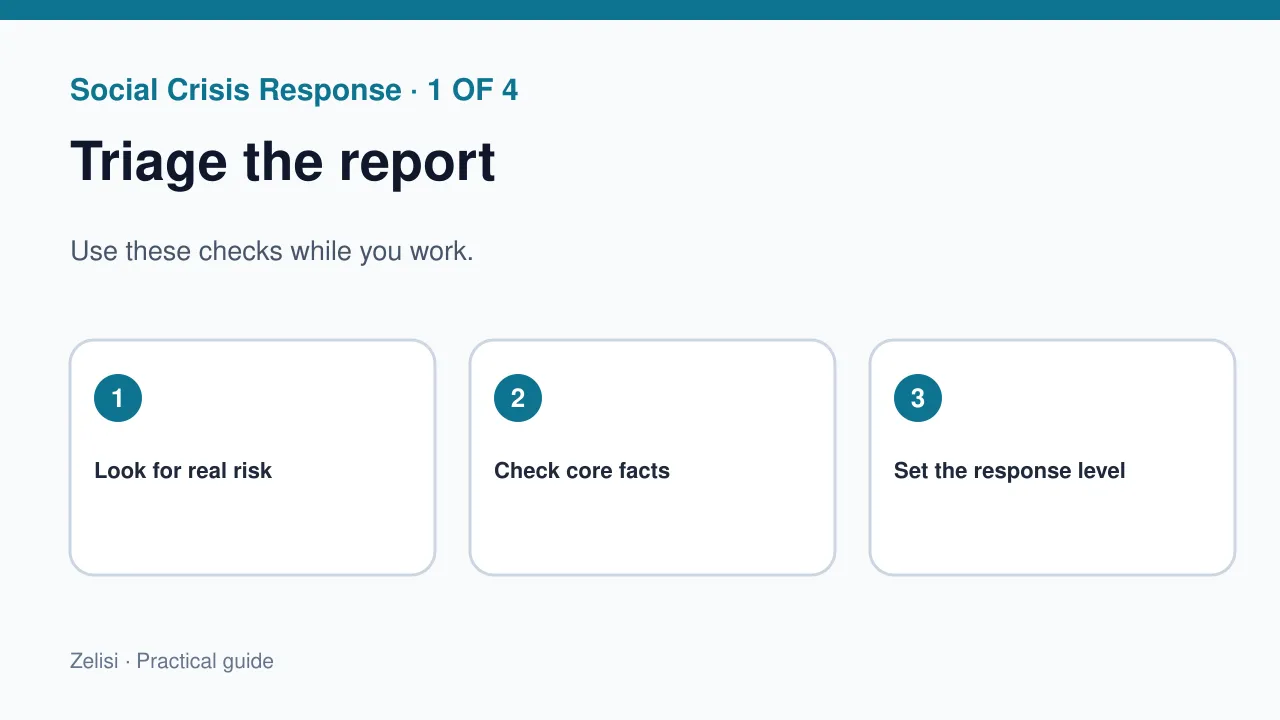
Not every unhappy comment is a crisis. A late parcel or a rude reply may need normal support. A data leak, unsafe product claim, widespread outage, or false statement from the brand may need a faster team response. Set three levels: routine, high concern, and urgent. Give examples from your own field so staff can tell the difference. Do not use only the number of likes as a risk score. One quiet report about a serious safety issue may matter more than a loud joke. The first goal is to spot real harm, not to protect a chart.
Create a small response team
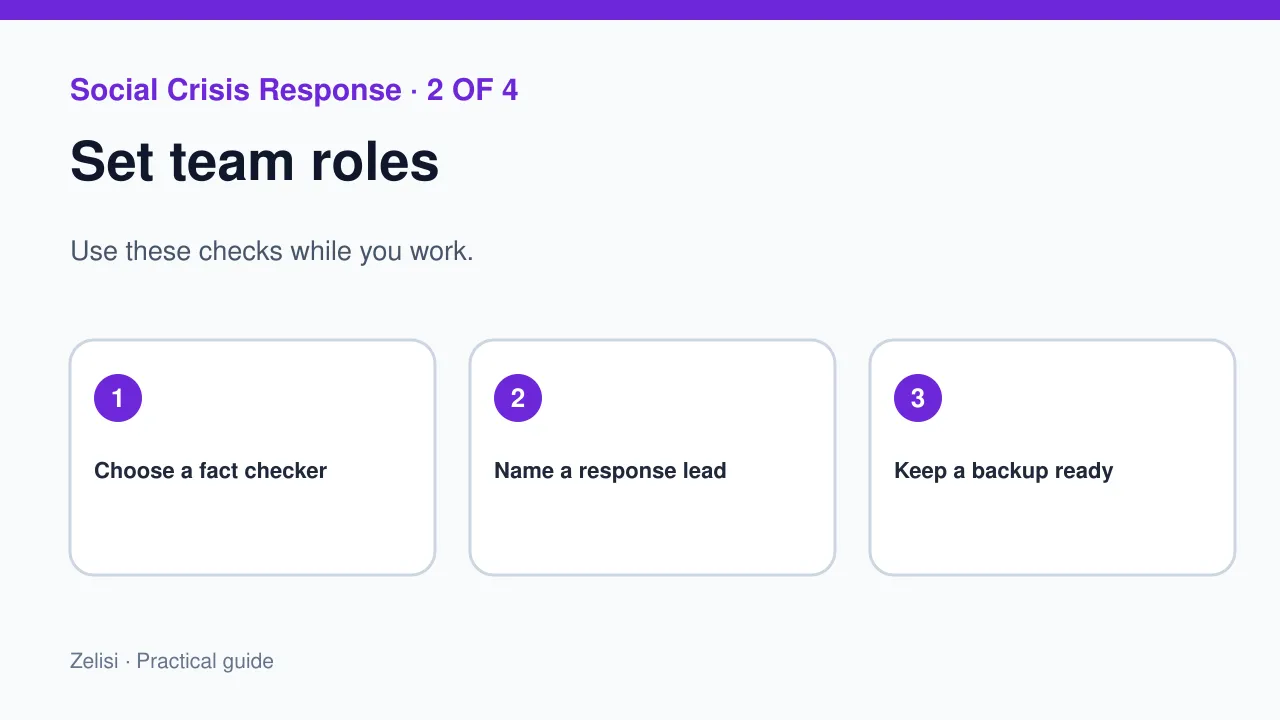
Name the lead, a backup, a fact checker, a support contact, and a person who can change public pages. In a small firm, one person may hold two roles, but each duty needs an owner. Keep work phone numbers in a private place that staff can reach. Decide who can post a holding statement and what needs senior review. Avoid an approval chain with ten people for a simple outage notice. It may take hours while customers need help. At the same time, do not let a junior team member make legal or safety claims alone. Clear limits protect both staff and readers.
Listen for the problem, not the noise
Watch owned accounts, direct messages, customer help channels, and relevant public mentions. Look for repeated reports that point to the same issue. Capture the time, channel, and core claim. Save a link and a screen record only when needed for the review. Treat personal data with care. Do not repost private messages to prove that customers are upset. A social listening tool can help spot patterns, but a tool does not know which claim is true. Ask the product or support team to check what has happened. Separate facts, open questions, and rumors in the incident log.
Use a holding statement when facts are limited
Keep the first update short
A holding statement tells people that the team is aware and checking. It should not guess the cause or promise a fix time that no one can meet. For a service outage, a good first note may say: “We know some users cannot sign in. Our team is checking the cause. We will share a new update here at the stated time.” Give the exact time only if the team has a plan to meet it. If users face a safety risk, put the clear safety step first. Do not bury the action under a long brand apology. People need to know what to do now.
Keep facts the same across channels
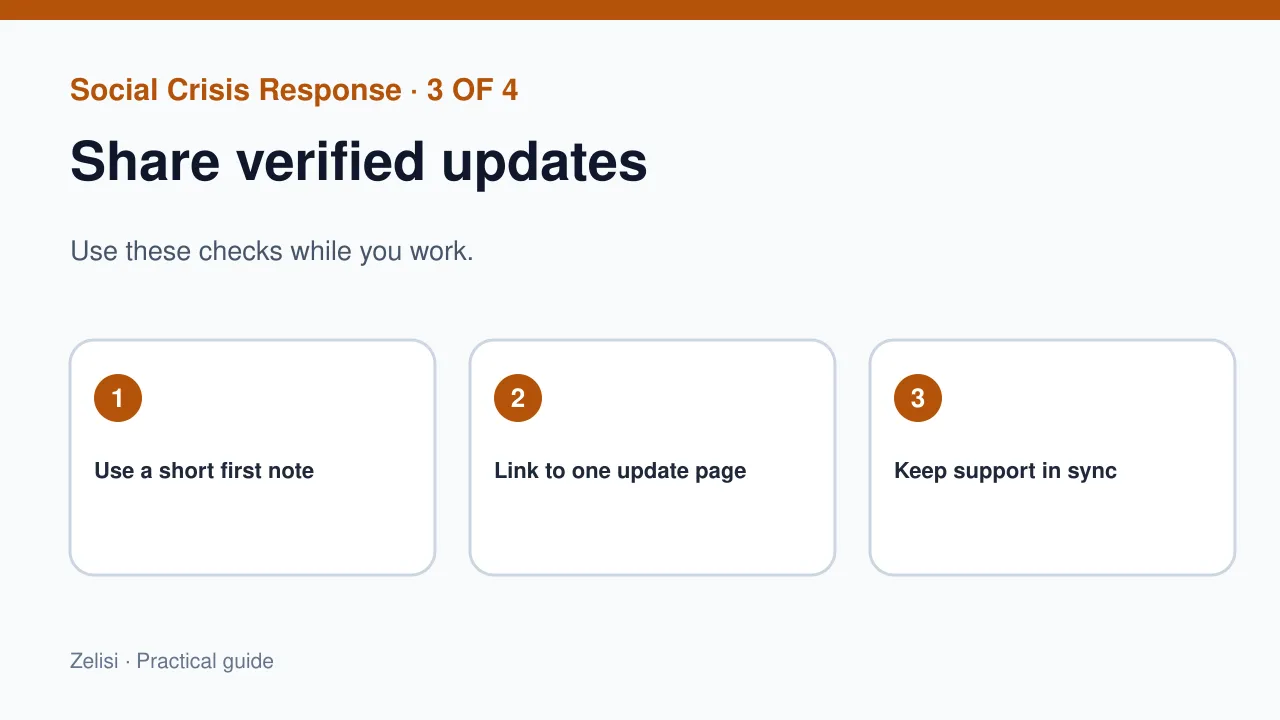
Customers may check a brand’s website, social feed, email, and support chat. They should not find four different accounts of the same event. Set one source of truth, such as an update page, and link to it from the channels people use. Mark each update with a real time and date, including the time zone when needed. Give support staff the same approved facts. Avoid a copied reply that ignores each person’s need. A customer who lost access may need a private help route. A public reply can point to that route without asking for a password or order details in comments.
Respond to anger without arguing
An upset person may use sharp words. The brand can stay calm. Acknowledge the issue, state what is known, and offer the next step. Do not tell customers that they misunderstood a problem before the facts are clear. Avoid blaming a vendor in public while the team is still checking. If the brand made a mistake, say so. A clear apology names the harm and the fix. It does not make the message about how hard the team worked. Do not delete fair criticism just because it makes the feed look messy. Remove threats, spam, or private data under a clear moderation rule.
Example: a booking platform outage

What the team checked first
Imagine a travel booking site whose payment page stops working on a busy day. Customers post that they were charged twice. The social lead does not say that no money was taken. The team first checks payment records and asks support to log cases. A holding statement tells people not to retry the payment until the status is clear. A help page explains how to check a booking safely. Later, the team shares a confirmed fix and tells affected users how refunds or corrections will work. Each public message uses the same facts. After the event, the team reviews where customers got confused.
Prepare for false claims and fake accounts
A false post may claim to speak for your brand. Check the account, the evidence, and the risk before responding. If an account pretends to be the brand, use the platform’s report path and point users to your official channels. Avoid sending a wave of angry replies that gives the false post more reach. When a claim is wrong, answer with a short fact and a source that readers can check. Do not post private customer data to win an argument. A careful correction may help more than a public fight. Keep staff aware of fake login pages and suspicious messages during a crisis.
Protect the people doing the work
Crisis work can be hard on staff who read hostile comments for hours. Use shifts when the issue lasts. Give moderators clear rules for threats and abuse. Let them hand off serious cases without carrying them alone. Save evidence of direct threats through the right channel, then protect the worker’s privacy. A response plan should also name the point at which a person can pause and ask for help. Do not expect one community manager to monitor every language and time zone all night. If the brand serves a global audience, plan coverage for the hours that matter.
Check the result after the event
Do not judge the response only by reach or sentiment. Review how fast the team found the issue, how long it took to share a verified update, and whether users got a useful path to support. Look at support cases, repeat complaints, and the number of people still affected. Ask which steps caused delay. Did approvals take too long? Was the update page hard to find? Did one channel show old facts? Record the lessons. The next plan should be shorter and easier to use, not a longer file that no one opens under pressure.
A simple drill before the next crisis
Choose a realistic test case. It might be a lost account, a product recall notice, or a short service outage. Give the team a false but clearly marked practice alert. Ask who checks it, who drafts the first note, and where updates will live. Time the steps. Then review what felt unclear. The US Cybersecurity and Infrastructure Security Agency’s incident response resources offer useful ideas for clear roles and response stages, even though social communication has its own needs. Keep your plan tuned to your site and users. The best drill leaves the team better able to act with calm, speed, and care.