Social Listening for Product Research: Find User Problems Without Surveillance
Social listening should help, not spy
Public posts show what users like, dislike, or wish a tool could do. That does not mean a firm may track each detail about them. A good plan answers one clear question with as little data as it needs. It may show a setup bug or a help guide that users need. Start with that goal. Do not save user profiles just because you can. A few clear questions may reveal more than a huge file of names.
Pick a research question before a tool
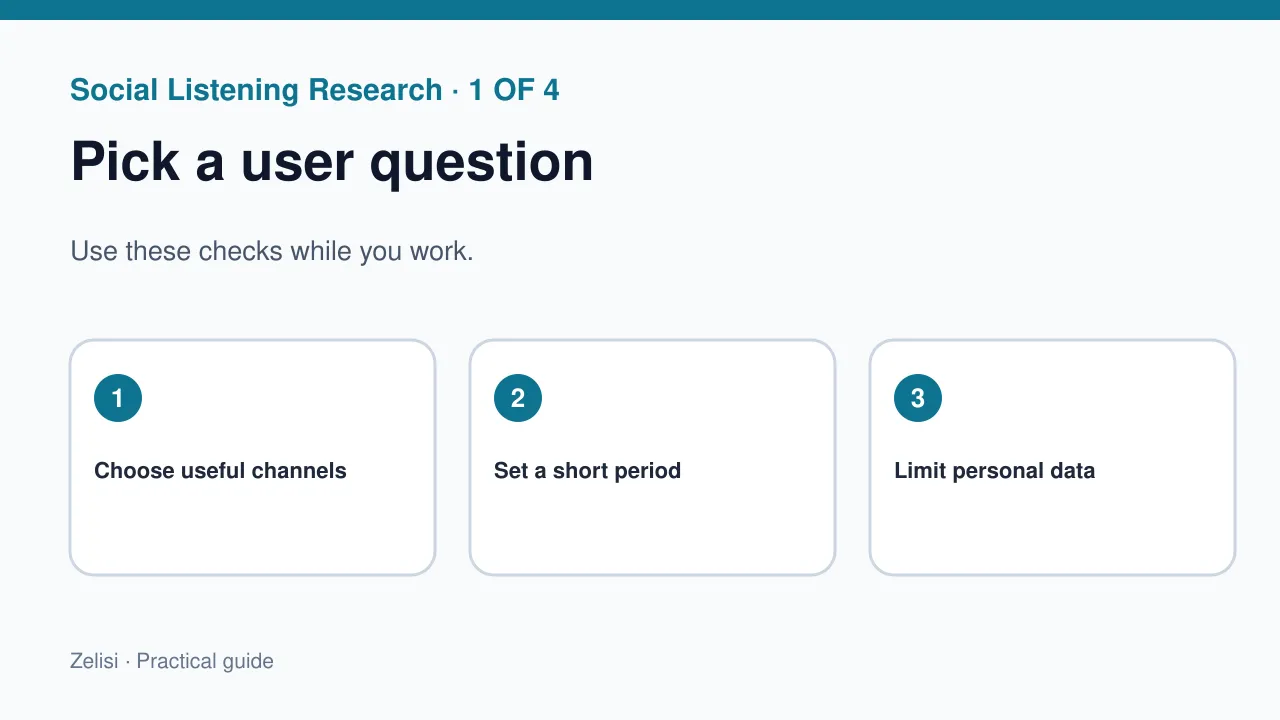
A firm may ask why people find checkout hard. It can look for posts about fees, pay steps, or missing choices. That helps more than tracking each brand name. Pick one clear question and a short time span. If the work will not change a clear task, pause. A chart full of words may look busy but help no one decide. Put the user need first in your report. Then choose channels where people actually discuss that problem.
Listen in the places that fit the topic
Some products are discussed in support forums. Others show up in video replies or work groups. No one app speaks for the whole world. A work tool may get better tips in forums than from viral clips. Check each source’s language and place. A local complaint may stem from a price or rule. Do not read closed groups or private chats without a clear right and need. Respect each platform’s rules and the expectations of its members.
Separate issues, needs, and emotions
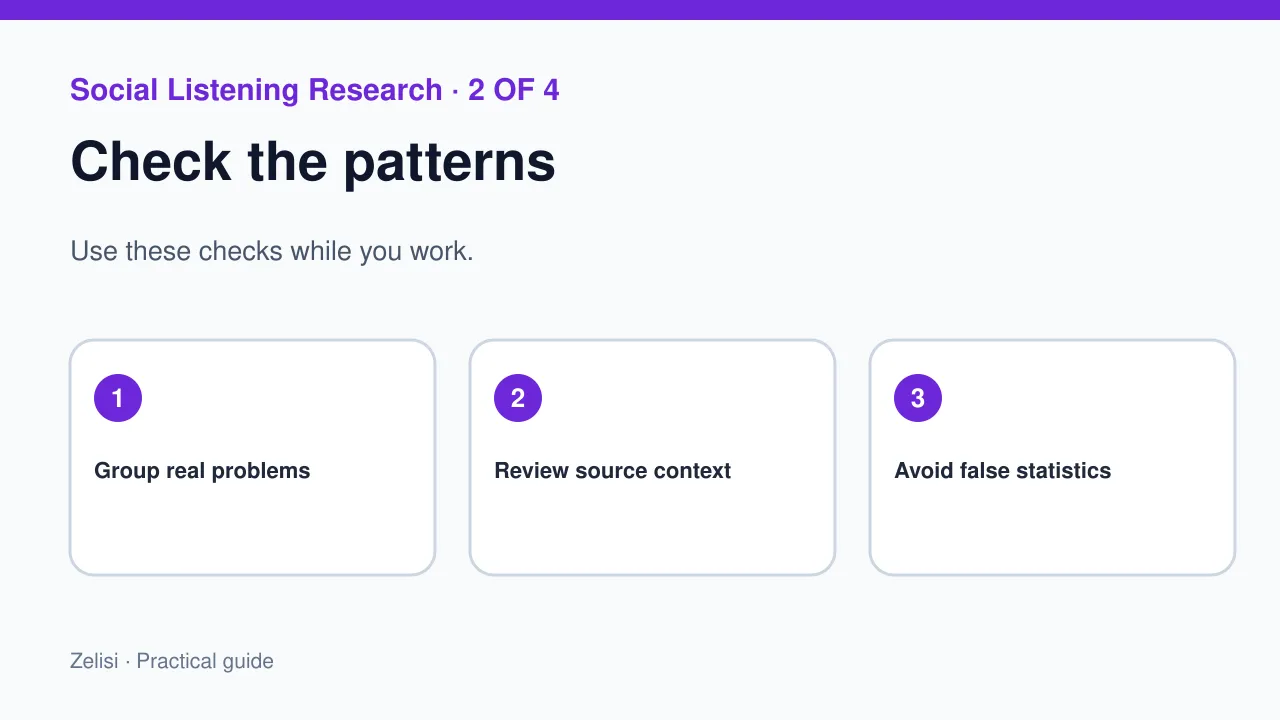
An angry post may reveal more than a mood. Look for the task they tried to do. “The app is useless” gives less detail than “I cannot export my list on a phone.” Mark the second as a clear product issue. Group posts by issue, not good or bad tone. Do not call every joke a complaint. Use a few plain labels your team can explain. Remove names from examples in team reports. The team needs the user’s need, not their whole history.
Check whether a pattern is real
Comments are clues, not a survey
Ten like posts may come from one thread. They do not prove that half of all users have the issue. Look at how many distinct cases are present and whether other evidence supports the finding. Check help tickets, site use, or a small test. If the pattern appears only in one region, say so. Do not invent a global percentage from social posts. Public posts do not form a fair poll of all buyers. It can point to a question worth checking with stronger methods.
Build a useful issue log
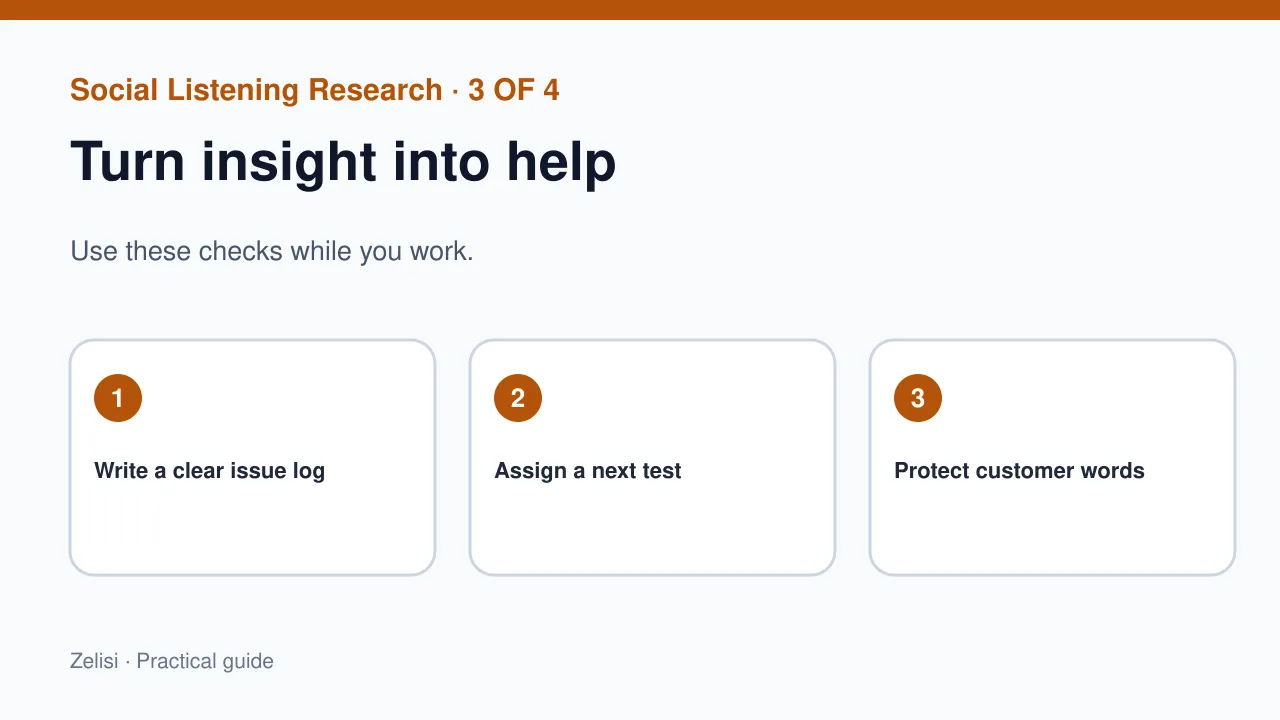
Keep the report short. For each issue, list a short name, the user task, sample posts, and a next test. Add a date range and a note about the source type. Do not save more user data than you need. A support team might ask for a better error message. A content team may need a simple guide. A product team may need to fix a broken button. Give each issue an owner. Do not let the log become a place where comments are copied but nothing changes.
Example: a meal planning app
Imagine an app whose users often ask how to swap an ingredient due to allergies. The marketing team sees the question across public comments and help requests. It does not label those users as a special ad audience. It asks the product team whether the recipe tool can show safe swap notes and links to trusted sources. The content team writes a guide that explains how to check labels and seek expert advice for serious allergies. The support team updates its help reply. The listening work led to useful answers, not a new way to follow people around the web.
Treat a quote with care
A public post still comes from a real person. They may not want to be named in a report. For public-facing content, ask permission before naming or showing a person’s words when possible. In an internal summary, use a short anonymous paraphrase if that gives the team enough context. Never invent a quote to back a claim. If a quote cannot be checked, do not show it as their exact words. Be extra careful with minors, health topics, and sensitive life details. A good report keeps people safe and shows the trend.
Use AI summaries with human checks
Check AI labels against real examples
AI may sort themes or sum up many posts. It may miss jokes, mix up languages, or invent a trend. Have a person check claims that may have a large effect. Check real posts behind each summary. See if the label fits. Do not upload private customer messages to a tool without the right approval and data controls. A model can help sort a large list, but it should not become the final judge of a user’s intent. Keep the source and limits clear in the report.
Give teams a way to act
A report helps only if a team can act on it. Send a short note to the right team with the problem, why it matters, and the next test. For a product bug, include steps to reproduce it where known. For a content gap, list the question readers ask and what a useful answer should cover. For support, propose a clearer reply or better help link. Do not flood staff with a weekly chart that says “sentiment down” without a cause. The best report helps a team make one fair decision and then check if the change worked.
Keep research apart from public crisis response
Social listening may help spot a fast-growing problem, but research and crisis work have different jobs. A crisis team needs to protect users and share verified updates now. A research team may take more time to study causes. Set a path for urgent safety or fraud reports, and do not wait for a weekly insight meeting. For normal research, avoid reacting to one loud post before you have context. A calm process can handle both needs without turning every critical comment into an emergency or every user into a data point.
Try a small test before you pay for a new tool. Pick one known user issue. Read a few public posts that you may use under the site rules. Hide names in your notes. Write the main task in one line. Ask a teammate to check if your notes match the posts. Then choose one next step, such as a help page or a bug fix. Keep the test short. If it adds no clear value, stop and rethink the plan.
Review what the team learned
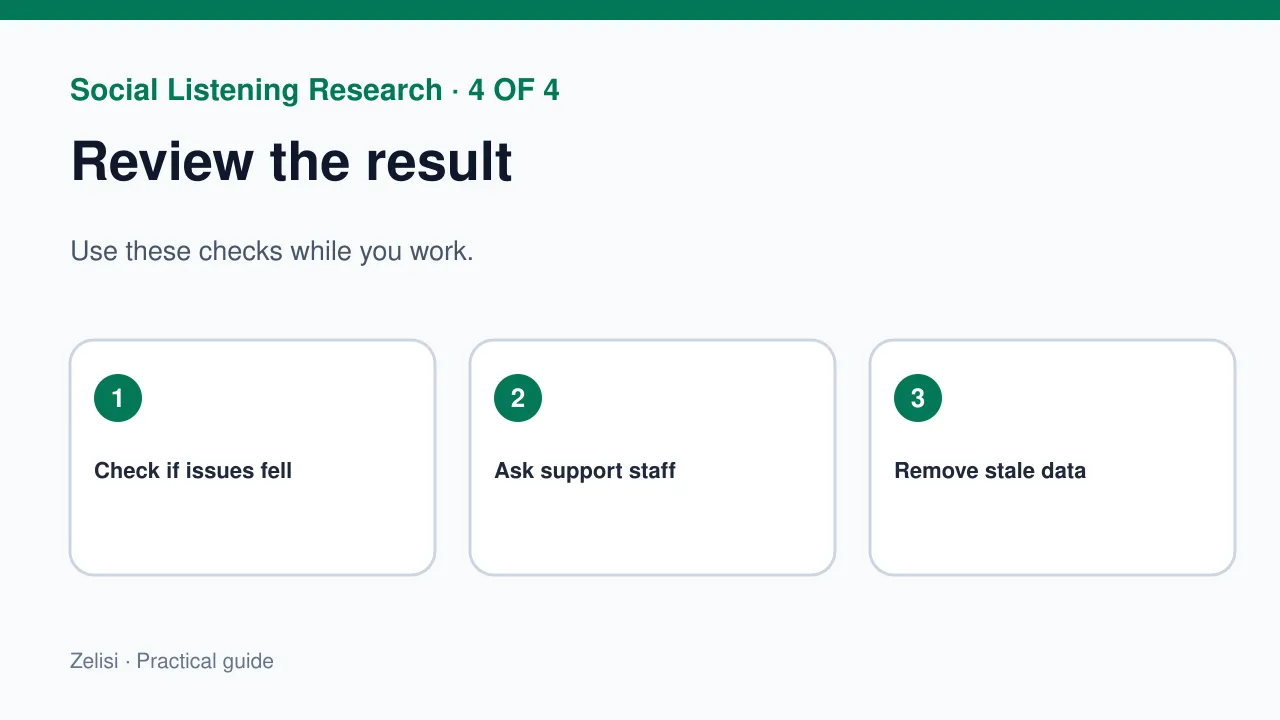
After a small research cycle, ask what changed. Did support find a better answer? Did a guide help readers complete a task? Did a product fix lower repeat complaints? Check the result with care. A change in social volume alone may reflect news or platform behavior. Look for direct evidence of better user outcomes. Keep the report limited to the facts needed for the next decision. Remove stale personal data by the site’s policy. Useful listening is a loop: hear a real problem, check it, act fairly, and learn whether the fix helped.