Editorial Corrections Policy: How to Fix Published Mistakes and Keep Reader Trust
Why a correction policy matters
A reader may act on one line in your guide. If that line is wrong, a small edit can have a real cost. A price may have changed. A tool may no longer work as shown. A source may have fixed its own data. A clear correction policy tells readers what you will do when you learn that a post is wrong. It also gives editors a calm way to act. The aim is not to claim that a site never makes mistakes. It is to spot errors, fix them, and show what changed when the change matters. A short note can do more for trust than a quiet rewrite.
Sort the issue before you touch the page

Not all changes need the same treatment. A typo in a caption is not the same as a false claim about safety, cost, or law. Start a simple issue log. Record the page, the claim, the person who raised it, the date, and any source they shared. Then mark the issue as minor, material, or urgent. A minor issue might be a broken link that has a clear new home. A material issue could change what a reader decides to buy or do. An urgent issue may put users at risk. It should go to a named editor at once. Do not let a public comment sit for days just because no one owns the inbox.
Check the claim against the best source
Go to the first source if you can. A quote copied by five blogs is still one source. Read the full page, the date, the sample, and the limits. For a product feature, read the maker’s live help page. For a public rule, use the body that sets the rule. For a study, read the paper or full report before using a summary. Save the source in the issue log. If two strong sources differ, do not pick the one that makes your old copy look right. Explain the gap. A correction is a fact check, not a vote. The Society of Professional Journalists’ ethics code urges writers to take responsibility for the accuracy of their work and correct errors.
Choose the right type of update

A small spelling fix can be made without a public note. A key fact that changes the meaning of a post needs more care. Keep a short note near the top or foot of the article. State what was wrong, what is right, and the date of the fix. If the full premise is false, an update note may not be enough. You may need a clear retraction or an editor’s note. Do not replace the old post with an unrelated one at the same address just to keep its search traffic. A reader who saved the link should still know what happened. Use plain words. “We changed the date in the chart from May to June” is useful. “Content updated” tells the reader little.
Write a correction note that helps
A note readers can understand
The note should be short enough to scan. Try this format: “Correction, 30 October 2026: An earlier version said the service had a free plan. The maker now lists only a paid trial. We changed the plan table and the advice below.” Use the true date of the change, not a made-up one. Say whether the error was in the old copy or whether the facts changed later. Those are not the same thing. If you cannot confirm the right answer yet, add a clear caution and say what is being checked. Do not leave a false number on screen while the team debates the best wording.
Keep proof of the edit
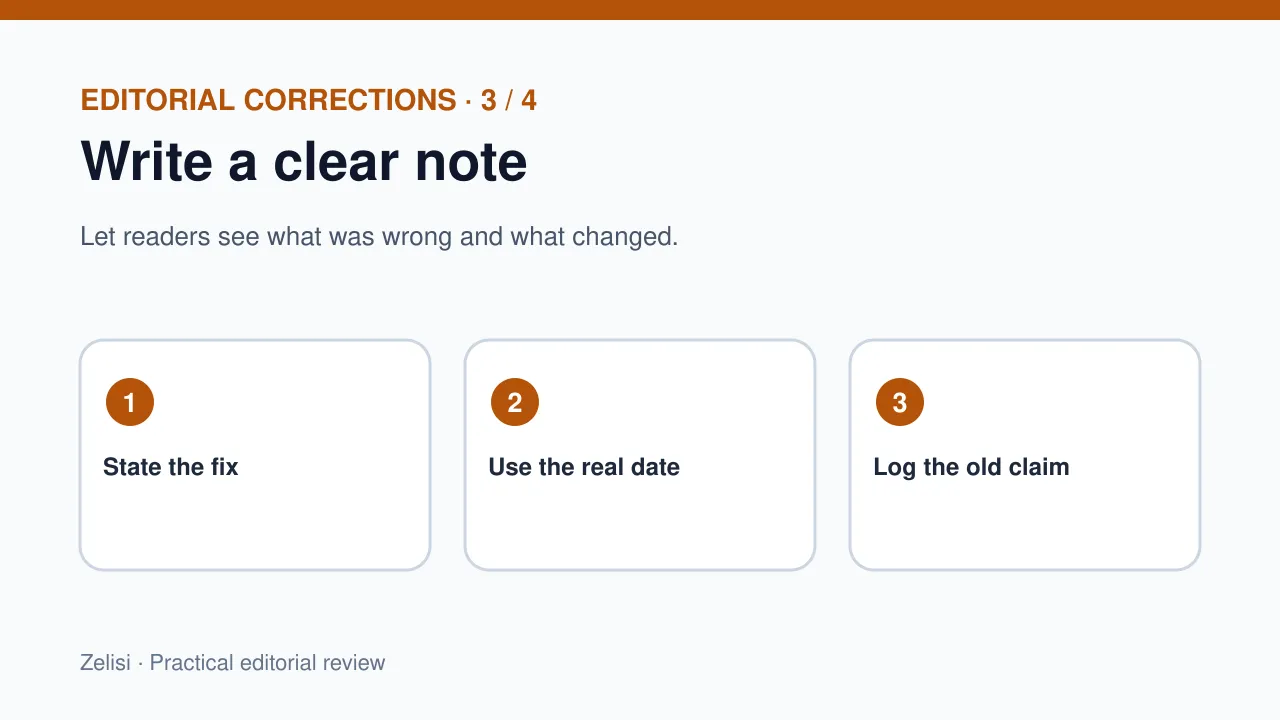
Use WordPress revisions or an editorial change log to keep a record. Save the old line, the new line, and the source used to verify it. Keep notes private when they contain personal data. A public correction note need not reveal the name or email of the person who sent a tip. The log helps if the same error appears in another article. It also helps an editor explain a change months later. Do not make the process so heavy that no one uses it. A shared sheet with six clear fields can work for a small site. A larger team may link each change to a task ticket.
Tell the team where the mistake spread
One wrong claim may be in a guide, newsletter, video caption, social post, and sales deck. Fixing the main article is only step one. Search for the old wording across your own site and files. Look at posts that link to the claim. If you used the fact in an email, decide whether readers need a new message. A small typo rarely needs one. Bad advice about money or safety may. Give each channel a named owner. Do not ask the social team to guess what the correction means. Send them one short approved note with the facts and the right link.
Use a fair response to reader reports

Make it easy to flag a problem. A contact form or editorial email can work. Ask for the page and the issue, not a long account of the reader’s life. Reply with a short note when a report is clear: “Thanks. We will check this claim and update the page if it is wrong.” Do not promise an exact time unless the team can meet it. If a person reports a safety issue, move it to the urgent route. Do not argue in public before you check. A calm reply shows that the team treats the report as useful evidence, not as a threat to its pride.
Example: a software price comparison
What the editor did next
Imagine a small site that lists two project tools. A reader spots a plan price that no longer exists. The editor opens the maker’s official pricing page and finds that the price changed last week. The site fixes the table, checks the article’s headline and summary, and adds a dated update note. It then searches for the old figure in other pages. The team does not claim that the old article was always wrong. The price was right when checked but is now out of date. That detail matters. It helps readers judge both the edit and the age of the data.
Build a review step into normal work
The best correction is one you never need to make. Give claims that can change a review date. Prices, product plans, and rules may need more frequent checks than basic how-to advice. In a content calendar, flag pages with high risk or high use. Ask a second editor to check key figures before release. For a data table, save the date and source beside the figure. Keep quotes in context. If a source has a caveat, bring it into the article. This is not a promise of zero errors. It is a way to catch more of them before a reader has to.
What to avoid
Do not delete a fair critical comment to hide an error. Do not change a date on a post merely to make it look fresh. Do not add a correction note for every comma; readers will stop seeing the ones that matter. Do not say “research proves” when the source shows only a small test. Avoid a vague banner that says “facts may change” while leaving known false advice in place. A warning is not a fix. Also avoid making a correction into a long defense of the writer. The reader needs the right answer, the nature of the change, and a clear next step.
A short correction checklist
Before closing the issue, the editor should know what changed and why. Check the claim, the source, the date, the public note, and any linked pages. Test links after the edit. Read the updated paragraph as a new visitor would. Does it still make sense without the old context? If you changed a heading, check that the page still has a clear flow. If a fact was shared on other channels, close those tasks as well. A good correction is complete when the reader can act on the page with less risk of being misled. The Google Search Central guidance on helpful content is a useful reminder to make pages for people, with clear sourcing and a real purpose.