SEO Server Log Analysis: Find Crawl Errors and Keep Useful Pages Reachable
Log files show what a crawler asked for
A search tool may visit a page that no one on the team opens. It may ask for an old URL, get a server error, or spend time on paths that add little value. Server logs can show those requests. They do not tell you why a page ranks, but they can help explain whether a crawler reached a URL and what the server returned. Start with a clear question. Are key pages getting requests? Are old redirects still used? Are errors clustered in one part of the site? A good log check helps the team fix real access problems instead of guessing from a chart.
Know what a log row means
A server log may show a time, path, status code, bot name, and other fields. The format depends on the server. A 200 means the server sent a valid reply. It does not prove the page was useful or indexed. A 301 points to a move. A 404 means the requested resource was not found. A 500-level result can show a server problem. Read each row in context. Some requests come from people, some from bots, and some from tools. A name in the agent field is not proof that the request came from the real bot.
Check bot identity carefully
Agent names can be faked
A request may claim to be Googlebot. Yet it may come from another source. Do not trust the bot name in a log on its own. Google’s Googlebot verification guide explains ways to check whether a crawler IP belongs to Google. Follow that process when it matters. A small site may not need to verify every old row, but it should avoid making big SEO claims from unverified traffic. Keep bot filtering rules in a place the team can review. An incorrect filter can hide real problems or inflate the count of search bot visits.
Get data without collecting more than needed

Ask the host or site admin what logs are available and how long they are kept. Set a clear date range and keep only the fields needed for the audit. Logs may contain personal data such as IP addresses or query details. Follow privacy and retention rules for the places you serve. Limit access to staff who need it. Do not paste raw user requests into public reports. A short list of paths, dates, codes, and known bots is often enough to spot a fault. The aim is to help people reach the site. It is not to track each visitor.
Start with errors on useful pages
Group requests by response code and page type. Look for repeated 404s on pages that should exist, 500 errors on important paths, and redirect chains left after a site move. A few requests for random fake URLs may not need work. A cluster of failures on real service pages does. Check those URLs by opening them and reading the response. A log report may be old. Find the cause before you change links. A broken template, bad redirect rule, or server block may affect hundreds of pages at once. Fix the root fault. Do not patch each URL by hand.
Find deep pages that may be hard to reach

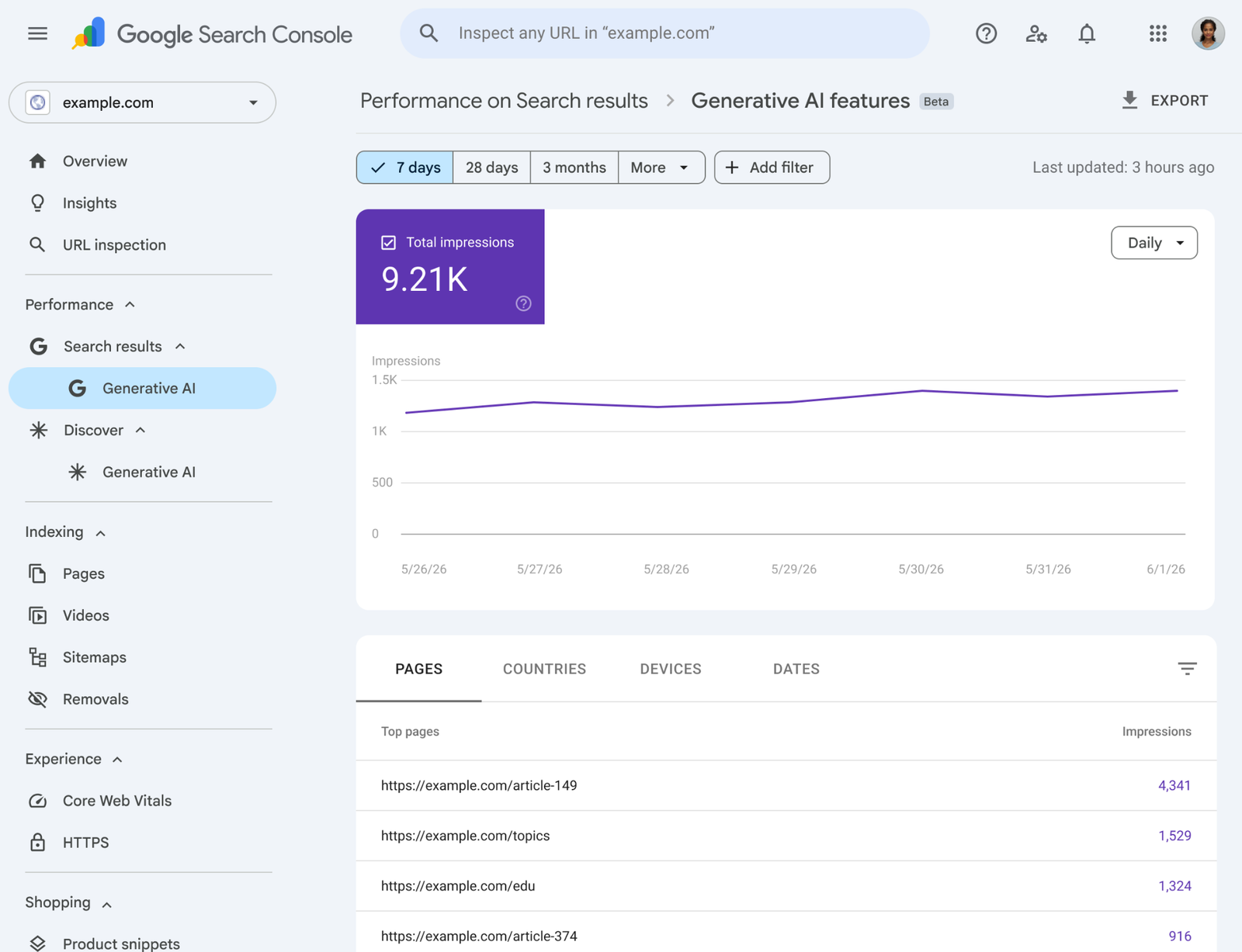
Compare a set of important URLs with the requests seen from verified crawlers. If a useful article gets no requests over the period, look at its links, sitemap status, and robots rules. Do not assume that zero log rows means Google has never found the page; the log sample may be short or incomplete. Also check whether a page uses a normal HTML link from the site. A page buried behind a form or script may be hard for search tools to discover. Use logs with Search Console and a crawl of the site to build a fuller view.
Watch what changes after a release
A site update may create new paths and remove old ones. Compare log patterns from before and after the change. Did the server start sending errors on a key section? Are old URLs sending users to the right new pages? Did a new rule block bots from content that should be public? Check the release notes so you know what changed. Not every traffic shift is a fault. A campaign may drive more human requests, and a bot may change how often it visits. Focus on site faults and tasks that fail.
Example: a small online store
Imagine a shop that adds a new product filter. Soon its server logs show many requests for URLs with long query strings. The team checks whether those paths lead to useful pages or just small versions of the same list. It does not block every query URL at once. First it reviews the store’s navigation, canonical tags, and links. It then fixes a rule that created endless filter links. The team tests that customers can still browse and that important product pages remain reachable. The log helped point to a pattern, but the fix came from checking the site design.
Make a report the team can act on
A good log report lists the key issues. It need not show each raw row. Show the affected path group, the type of response, the likely cause, and the next test. Give each issue a clear owner. Put high-risk errors first, such as server failures on payment, login, or key content routes. Add a few sample URLs so a developer can reproduce the problem. Avoid a large “crawl budget waste” score with no explanation. If the site is small, the biggest win may be fixing one broken path. Keep the report tied to a decision.
Do not confuse crawling with indexing
A visit is not an index decision
A crawler request does not mean the page will appear in search. Search systems may choose not to index a page even after a clean 200 response. Content quality, duplication, canonical choice, and other signals can matter. Use logs to answer access questions. Use Search Console for reported indexing states and performance. Do not claim that a page is indexed because a bot visited it. The Google crawler overview helps explain which crawlers Google uses and why their requests may differ. Keep each tool focused on the question it can answer.
Check your assumptions before changing robots rules
A robots block can stop a crawler from reading a path. That may be right for a private or low-value route, but it can also hide a useful page by mistake. Before editing robots.txt, list the URLs affected and what the site needs. Test the rule with the right tool. Do not block URLs merely because logs show a high count. Some request volume may be normal for a large, active list. Also do not use robots.txt as a way to remove private information that is already public. Privacy problems need a real access fix, not just a crawler rule.
Repeat a small check each month
Keep a short set of useful signals: key page errors, top old redirects, verified crawler requests by section, and unusual new paths. Review them after major site changes and at a steady pace. Archive results so the next audit can see a trend. If a problem appears, reproduce it before writing a fix. A few good checks can reveal a broken page group that analytics missed. But logs are one part of SEO, not a full ranking score. Use them to keep useful content reachable, then spend the rest of your time making the content worth reading.