
Lead Qualification and CRM Hygiene: Turn Form Requests Into Useful Next Steps
A lead record is not a real buyer
A form fill can look like a win in a marketing report. It may be a student doing research, a customer who needs support, or a person who entered a fake email. If every new record goes straight to sales, the team can waste time and lose trust. Lead qualification helps a business decide who may need a human reply, who wants helpful content, and who should be left alone. Start with the user’s need and clear consent. A good system does not call everyone a hot lead. It uses a few fair signals to send the right next step.
Define the question sales needs answered

Before adding a score, ask the sales team what makes a lead useful. A service firm may need a project type, a clear request, and a way to reply. A software company may need to know whether the person wants a trial or a demo. Do not turn the form into an exam with twenty fields. Keep only what is needed for the next useful step. A buyer who wants a simple price answer should not have to share a company budget and staff count. The best lead form makes the user’s task easier. It should not exist only to fill a database.
Separate fit, interest, and consent
Do not mix the three signals
These are three different ideas. Fit asks whether the product can help the person. Interest asks what action they took. Consent asks what contact or data use they allowed. A download of a free checklist may show mild interest, not readiness to buy. A job seeker on a product page is not a bad person; they just have a different need. Keep these signals apart in the CRM. Do not treat a large score as permission to send any message. Follow local privacy and marketing rules. A useful CRM records what the person asked for and when they gave the choice.
Choose a few clear fields
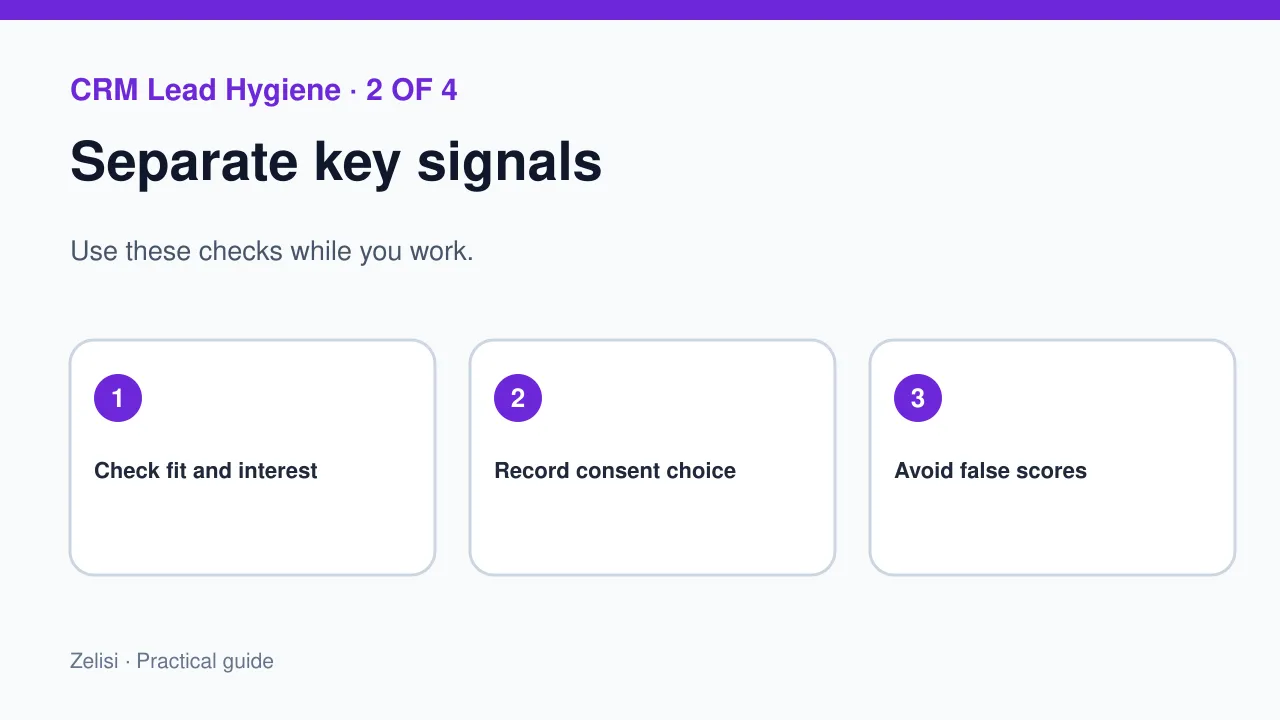
A small setup may need name, reply address, product or service of interest, request type, and status. Add company details only if they matter. Use consistent choices such as “demo,” “quote,” or “support,” instead of letting staff write dozens of spellings for the same thing. Mark where the record came from. Use the real source, not a guessed channel. Keep data access limited to people who need it. Sensitive notes should not be copied into marketing tags. If a field is often blank and no one uses it, ask whether it belongs in the form at all.
Use scores as hints, not verdicts
Lead scoring can rank records based on chosen signals, such as a request for a demo or a repeat visit to a product page. Yet a score is only as good as its rules. A busy student can look more active than a buyer who sent one clear question. Test scores against real outcomes. Start with a few plain rules and record why each exists. Avoid hidden points that nobody can explain. Review scores for bias against small firms, regions, or people who use privacy tools. If the team cannot say why a lead got a number, it should not rely on that number alone.
Create a handoff that sales can use

A salesperson needs more than a score. Give them the user’s request, the page or form used, the time, and any note the person chose to share. State the reason for the handoff in one line. A lead from a demo form may need a reply within the hours promised on the page. A person who asked only for an email guide should receive that guide first. Set a fair response time and an owner. If the lead is not a fit, do not keep passing it between teams. Make the next step clear and respectful.
Example: a small business software firm
Imagine a scheduling app for repair shops. A shop owner asks for a demo and notes that they have five staff. A student downloads a blog checklist. The first person has a clear request that sales can answer. The second may just want the guide. The CRM records both actions but does not treat them as equal buying signals. The sales team replies to the demo request with a time slot and a note about the shop’s need. The student receives the promised resource without a pushy call. Both people get the response that fits their choice.
Check for duplicate and stale records
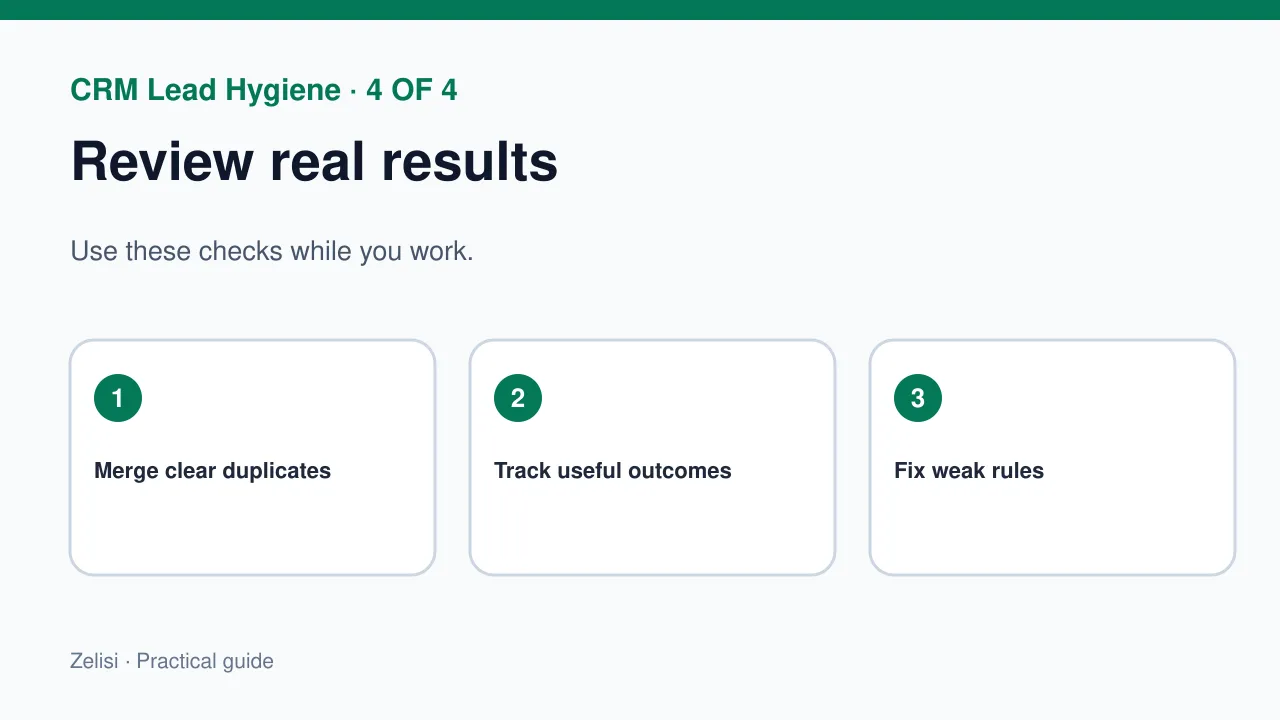
A person may enter two forms with the same email, use a new address, or move to another company. Duplicates can lead to repeated calls and a poor experience. Set simple merge rules and review uncertain matches by hand. Do not combine two people just because they share a name. Add a process for records that are out of date. An old interest signal should not live forever as proof of current intent. Let people update their details or stop contact. Good data hygiene saves the sales team time and makes reports more useful.
Measure the path, not just the count
A large number of new leads can hide weak quality. Review how many people asked for a real next step, got a timely reply, and found a useful match. Look at the rate of qualified meetings or solved requests, not only form submits. Track why leads were closed. A “not ready” reason is different from “wrong service” or “no reply.” These notes can show a bad form or a confusing page. Do not rank channels only by lead volume. A channel with fewer but clearer requests may serve the business better.
Keep consent visible in the system
A form may ask for a reply to one question. That is not always permission to join a long email series. Keep the contact purpose clear. Save the time and source of any marketing choice. Give people a way to change it. If the site uses Google Analytics, its key event guidance helps identify useful actions for reporting, but analytics is not a consent ledger. Do not use a dashboard count as proof that someone agreed to marketing. The record of the person’s choice belongs in a system you can trust and review.
Test the process with real scenarios
Four tests before launch
Before launch, submit test forms for a demo request, a guide download, a support question, and a duplicate lead. Check that each goes to the right place. See what sales receives and what email the person gets. Test a failed submission and a person who opts out. Make sure the site shows a clear success or error message. Do not send private test data to a real customer list. Ask one staff member to work the lead from start to finish without special help. Any step they cannot understand is a sign that the handoff needs work.
Review rules with sales and support
A score or status can drift as the business changes. Meet with the team after a small pilot. Which leads got the right reply? Which records caused confusion? Were any useful people missed? Did the form ask for too much? Keep the parts that help and remove weak rules. Document the few decisions that matter: when to route a lead, who replies, what consent allows, and how to close the record. A healthy lead process is not a race to collect names. It is a way to help the right person reach the right answer with less delay.