Faceted Navigation SEO: A Safe Guide to Filters, Crawl Control, and Useful Pages
Product filters help people find what they need. They can also create too many URLs for search engines. Learn which pages to keep, block, or review.
The filter-page problem in plain English
An online shop may have one page for blue shoes and another for red shoes. Add size, price, brand, and sort order, and that same set of products can appear at hundreds of web addresses. People like filters because they make shopping easier. Search engines may see a very large number of near-identical pages.
This is called faceted navigation. It is common on shops, job boards, travel sites, property directories, and large resource libraries. A filter is not a problem by itself. The issue starts when every possible filter mix creates a crawlable URL with little new value.
Google has warned that faceted URLs are a frequent cause of excess crawling. Its official crawling guide explains options for limiting URLs that do not need to appear in search. The right solution depends on whether a filter page answers a distinct search need. Do not block all filters without checking that first.
Find the URLs before changing rules

Open a category page and try a few filters. Watch the address bar. Does a new choice add a parameter such as color=blue or sort=price? Does the same product list appear under different parameter orders? Does clearing a filter restore the main address?
Make a small sample of URLs. Include the plain category, one useful filter, a multi-filter combination, a sort order, an empty result, and a pagination page. Record the page title, visible products, canonical tag, and whether the URL appears in a sitemap.
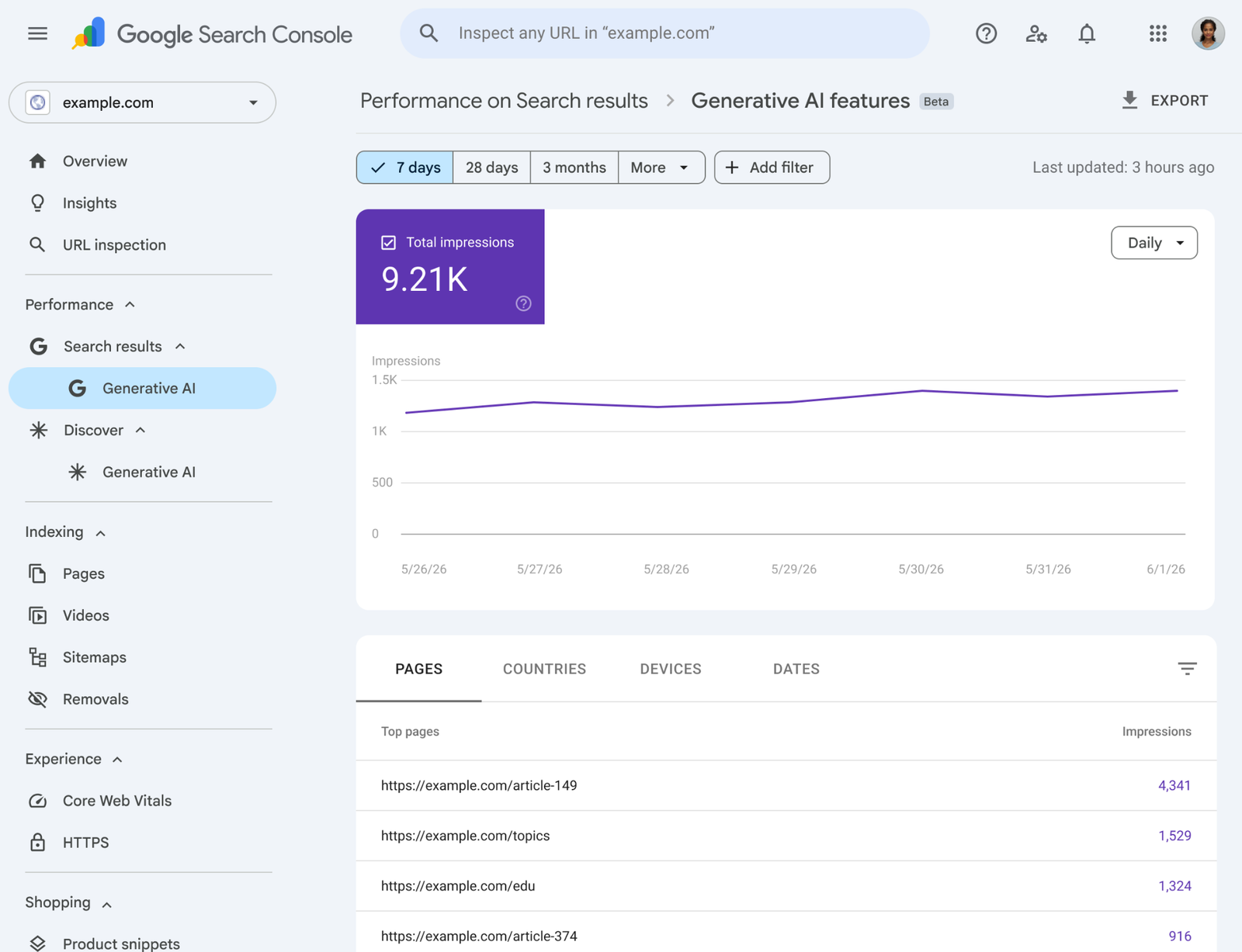
Then check server logs or crawl reports if you have them. Look for a large share of requests to parameter URLs. In Google Search Console, inspect sample pages and the indexing reports. A rise in discovered URLs does not prove a crawl-budget problem, but it is a reason to look closer.
Do not begin with a mass robots.txt rule based on a hunch. It could hide pages that attract useful search visits.
Decide which filters deserve a search page
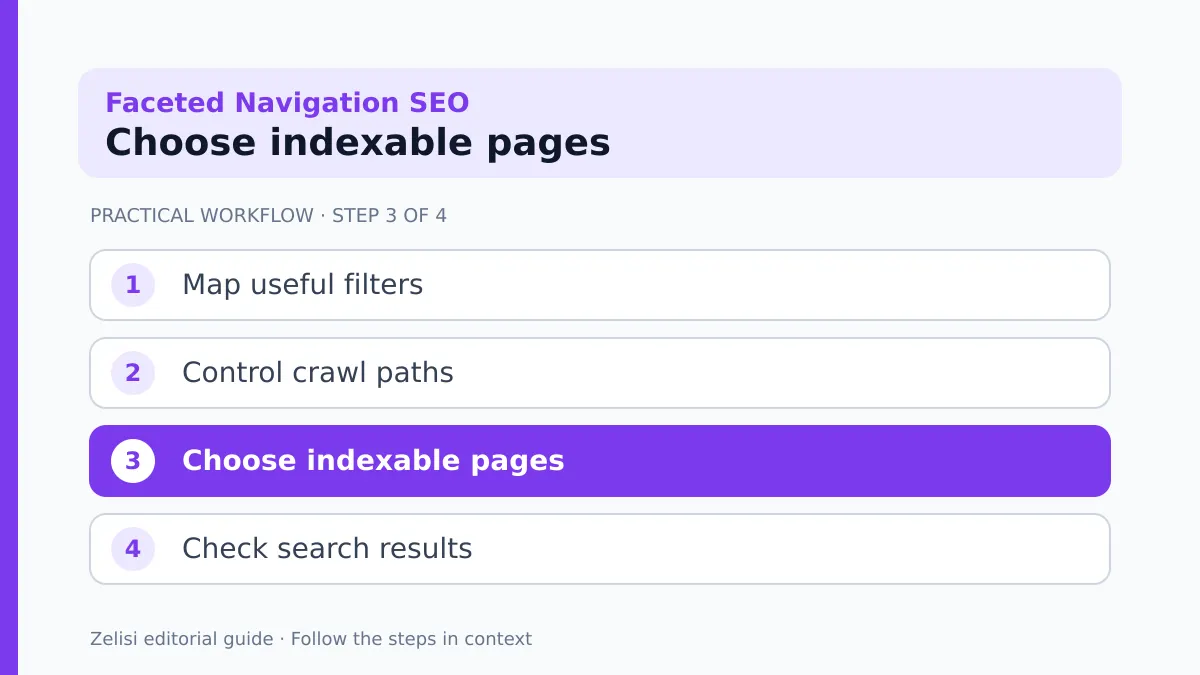
Some filtered pages serve real demand. “Waterproof hiking jackets” may be a useful category with its own clear products and advice. “Waterproof jackets sorted by newest with size medium and price below 47” is less likely to need an index page.
Think about the visitor’s intent. Would someone search for this exact group? Can the page offer stable stock, a clear title, useful copy, and links from the site? Is it different enough from the parent category to help a reader choose?
A useful filter page can be a deliberate landing page rather than a raw parameter URL. Give it a stable, readable address, a short intro that helps shoppers, and links to related choices. Avoid building thousands of thin pages from every possible combination.
A travel site might create a helpful page for family-friendly hotels in a major destination. It probably does not need an indexable URL for every mix of breakfast, floor, view, bed type, and sort order.
Understand crawl blocking and indexing

Checks to make before any live change
Crawling and indexing are different steps. A robots.txt rule can stop a crawler from fetching a URL. A noindex directive asks a search engine not to keep a page in its index, but the crawler generally needs access to see that directive. Using both without a plan can work against your goal.
Google’s crawling and indexing documentation covers the tools and their limits. Its faceted navigation guide explains that blocking unneeded filter URLs can save crawl resources. The same guide notes that URL fragments are not a reliable way to create separate indexable search pages.
Do not treat a canonical tag as a magic delete button. A canonical is a signal about a preferred URL. A crawler may still fetch the variants to understand their content and signals. If your main issue is an endless space of URLs, review crawl controls as well.
Before editing production settings, test the rule against several addresses, including pages you want found in search.
Make filter links predictable
A well-built filter should not create a new URL each time a person clicks the same option twice. Nor should changing the order of filter choices create a second address for the same result. Ask your developer whether the site can normalize parameter order and remove unused values.
For example, color=blue&size=m and size=m&color=blue may lead to the same results. A clean implementation should choose one pattern. If the user clears color, the old color parameter should disappear. Empty values and session identifiers should not trail along.
The interface should remain usable with a keyboard and on a phone. Filters need clear labels and a way to remove selections. Search control and user experience meet here: a neat URL system is not useful if shoppers cannot find the products they want.
Write down which parameter changes the product set and which only changes display order. That distinction helps when the team chooses crawl rules.
Handle sorting and empty results
Sort options can create many addresses with the same product set in a new order. Most of these are not distinct search destinations. Consider how the site will allow people to sort without inviting crawlers into every sort variation.
Empty results need care too. A page with no matching items should tell visitors what happened and offer a path back. It should not pretend to be a useful destination for search. If empty combinations are common, examine whether the filter UI can stop impossible choices before a user submits them.
A directory may change daily. A filter that has ten results today may have none next week. If you want it indexed, ask whether the page stays useful during those shifts. A stable landing page with guidance and nearby alternatives can be better than a raw empty list.
Keep the answer focused on what the visitor can do next, not just on what a crawler might see.
Pagination needs its own review
A large category may use several pages of results. Make sure visitors can reach later items and that links are clear. Do not assume that a crawler will scroll or click a button in the same way as a person.
Check whether the next page has a distinct URL and whether it links back to the wider category. If all pages point their canonical to page one, ask whether that matches the content and goals. A later page may contain products that are not shown on the first page.
Infinite scroll can work for people, but important content should still have a path that crawlers can follow. Test the rendered page and the links it exposes. The issue is not whether the design feels modern; it is whether products remain reachable.
If category pages change often, keep the internal links stable enough that users and crawlers can find important inventory.
An example: a small equipment store
Imagine a shop with 400 products and five filters. Each filter adds a parameter to the URL. A crawler can follow combinations for color, use, brand, price, and size. Some combinations show the same ten products. Others show nothing.
The owner first samples the URLs and looks at Search Console. A few pages for common product types draw real visits. Many multi-filter addresses have no clear purpose. The team decides to keep selected landing pages for useful types, while restricting the crawl of routine sort and multi-filter combinations after technical testing.
The developer then checks that the links and controls still work for shoppers. The editor adds short, helpful copy to the deliberate landing pages and links them from the main category. The team monitors the next crawl cycles for mistakes.
The shop has not “fixed SEO” in one afternoon. It has made a clear map of which URLs serve readers and which are just temporary views.
A safe test plan before launch
Checks to make before any live change
Work on a staging copy when possible. List URLs that must remain crawlable, URLs that should be restricted, and edge cases such as pagination and empty results. Use tests that show the rendered HTML, canonical tags, robots rules, and links.
- Test the plain category and an important filter landing page.
- Test two versions of the same parameter mix in a different order.
- Test sort-only URLs, empty combinations, and pagination.
- Check mobile filter controls and keyboard access.
- Keep a rollback note for each technical change.
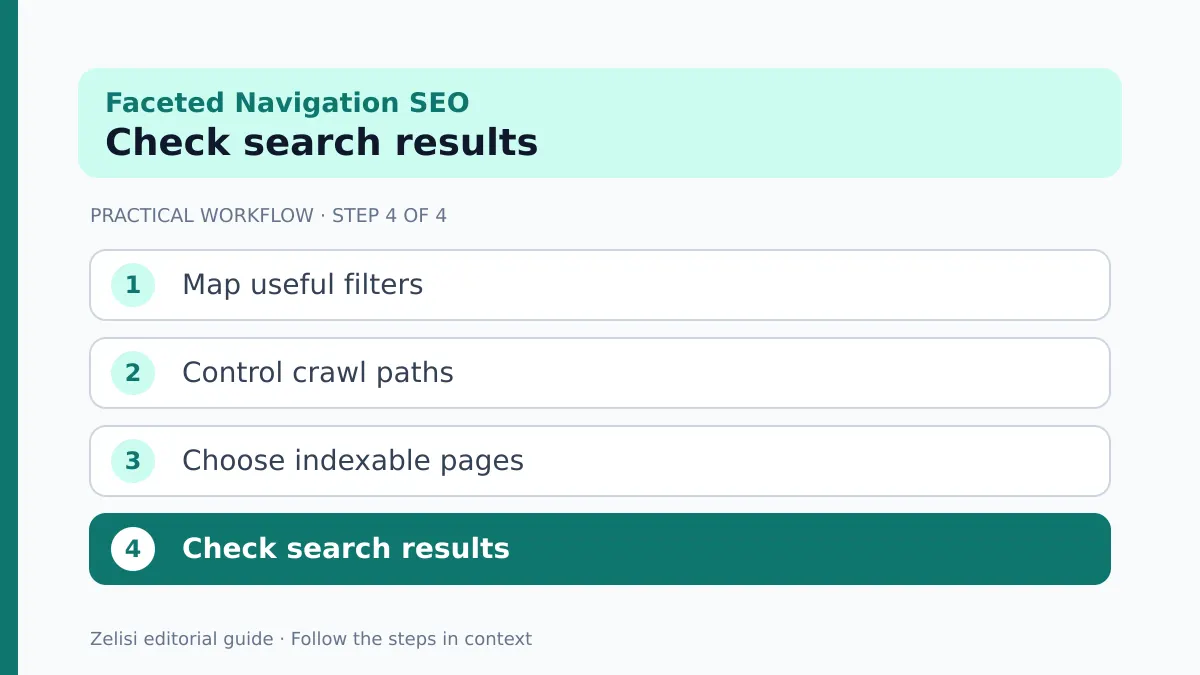
After launch, monitor crawl errors, organic visits to key categories, and changes in indexed URL patterns. Give the changes time. Search engines do not process every signal at once. If important pages lose access, fix that before making more broad rules.
A short log of what changed and when helps the team separate the impact of its work from seasonal demand or stock changes.
What not to do
Do not ban all question-mark URLs just because many filters use parameters. Other parts of a website may use parameters for important functions. Do not add noindex everywhere and assume the crawler will always see it. Do not create a thin SEO page for every color and size combination.
Avoid copying the same paragraph into hundreds of category pages. A useful search page needs a reason to exist. If there is no distinct choice, content, or demand, the main category may serve people better.
Do not remove filters to satisfy a crawler at the expense of shoppers. People still need a fast way to narrow a large product set. The task is to keep the useful experience while controlling the extra addresses behind it.
Lastly, do not judge success only by a lower number of indexed pages. The goal is that valuable pages can be found and that visitors can complete their task.
Keep the system simple as the catalog grows
New product attributes will appear as the shop grows. Ask the team to review each new filter before it launches. Does it create a URL? Is that URL meant for search? How does it interact with the current rules?
Give the product, engineering, and content teams one shared policy. It can be brief: which landing pages are deliberate, which parameters are temporary, and who checks the crawl results. Review that policy after major catalog or theme changes.
Faceted navigation is not a contest to create the fewest URLs. It is a design problem with two audiences: people who need to narrow choices and crawlers that need a clear path to useful pages. Plan for both, then test the details.