Webinar Follow-Up Email Guide: Help Attendees Use What They Learned
The event ends, but the reader’s task does not
A webinar can answer many things. Yet guests may leave with one key issue still open. A follow-up email can help them use what they learned. It should not be a sales pitch. Not all guests plan to buy. Start with what the event page said it would give. If the host offered slides, a replay, or a checklist, send them in a clear way. Then give one next step that fits the topic. A useful follow-up helps a person act after the call, even if they never buy a product.
Separate attendees from no-shows
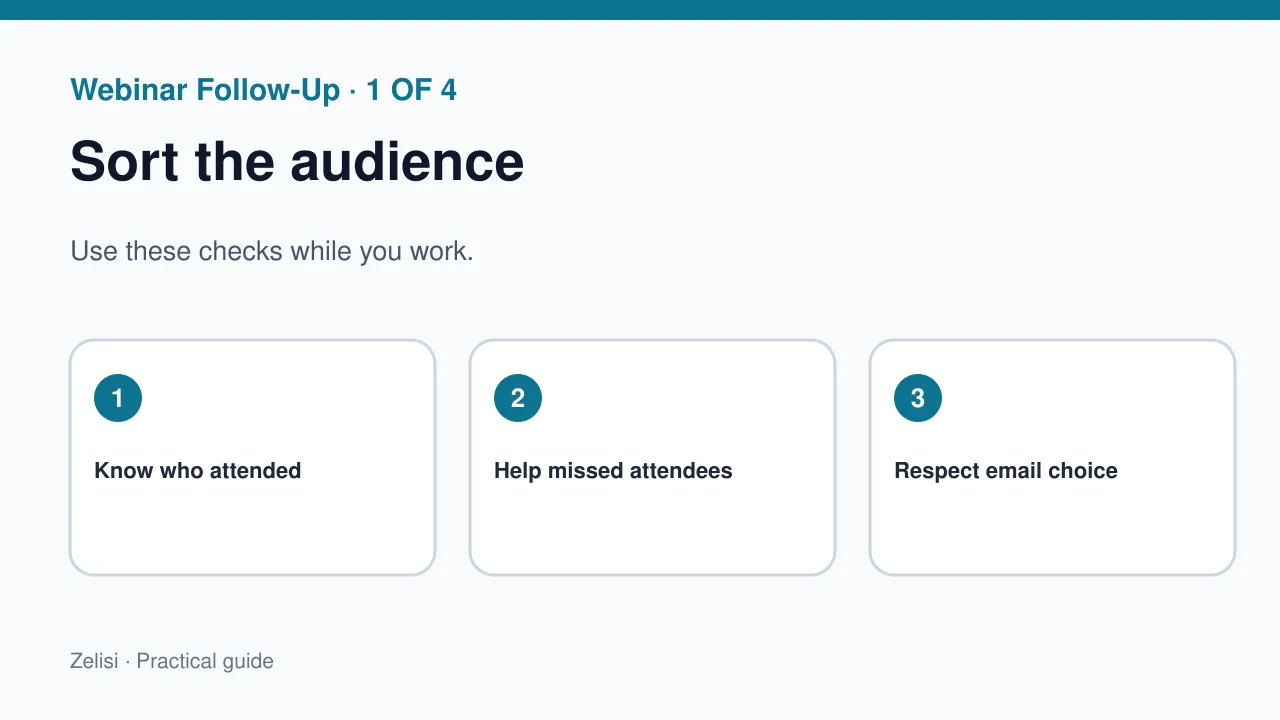
A guest who stayed may want a deeper guide. A person who missed it may need a short recap and replay. Do not send the same “Thanks for joining” note to a person who was not there. Use sign-up and attendance data with care. It may not show why someone left early. They could have had a work call or a poor connection. Do not suggest they missed out by choice. A polite “Here is what we covered” is enough. Keep the next step easy for both groups.
Send the promised resources first
The first email should help people find what they need. Put the replay, slides, notes, or links near the top. If the video is not ready, say when it may be. Do not ask for a new form just to get a promised file. If the replay requires access, test the link and explain the rule. The Zoom guide to running online events describes post-event follow-up and use of event reports. Use event data for context. Keep the email on the guest’s next step.
Turn key questions into useful answers
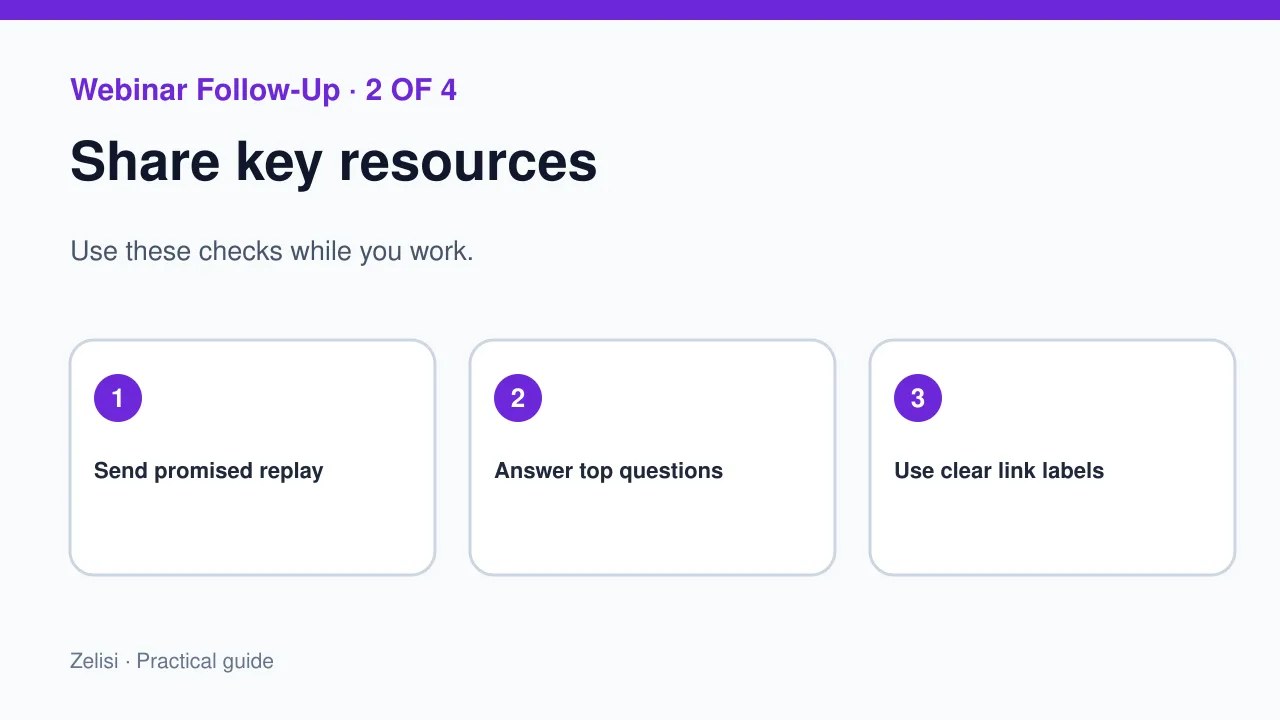
A live Q&A may reveal what the audience did not understand. Review questions for common themes. Do not publish names or private details without consent. A short note can answer two key questions and link to a guide. If a question needs more work, say you are still checking. Avoid making up an answer just to close the loop. The best next article may come from a question that many people asked in different words. Use the event to listen, not only to promote.
Write a recap people can scan
A recap built for busy readers
A recap need not retell the full hour. State the main lesson, a practical step, and where to find the details. Use a clear subject, such as “Your webinar replay and setup checklist.” Keep the first paragraph short. Add clear link labels. If the event covered several topics, group links by task. Do not hide the replay behind a banner image that may not load. Phone users should find the promised file with ease. A clean text email can work better than a busy design.
Give different next steps for different needs
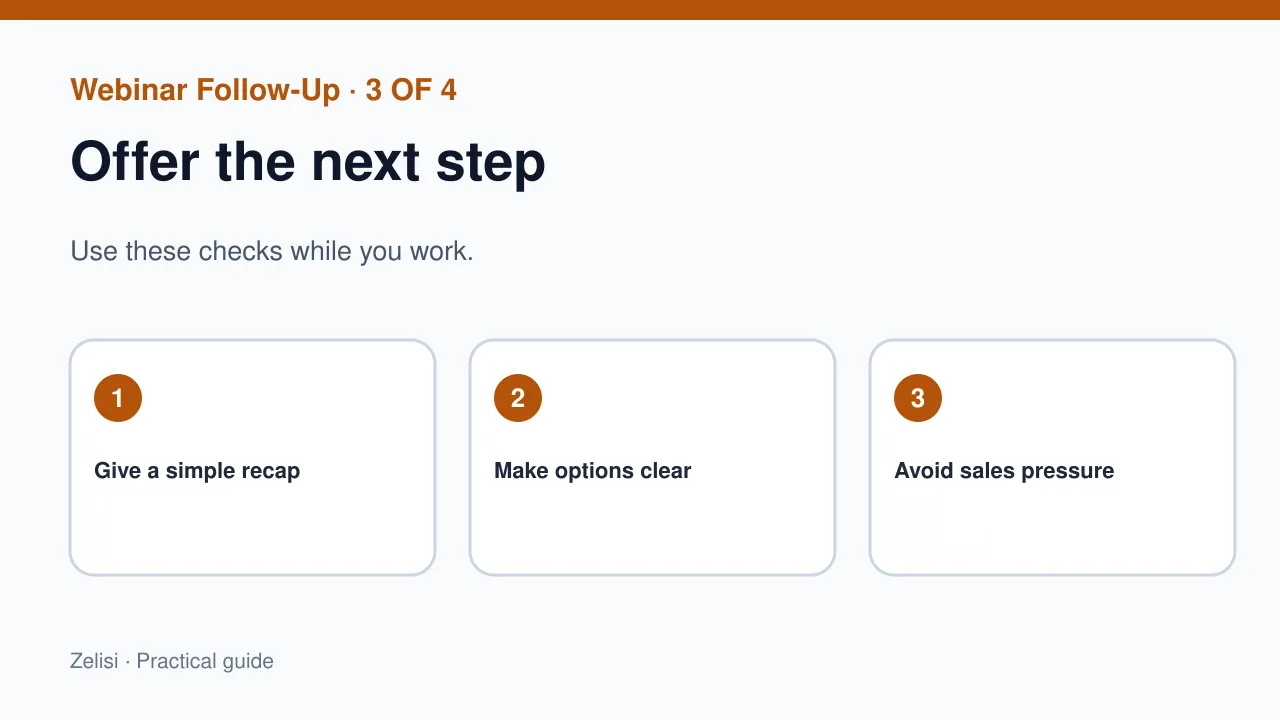
An attendee who asked about a product demo may want a call. A student who joined to learn may only want a guide. A poll click is not a request for a sales call. Keep consent and the event’s stated purpose in view. If a person asked a clear question that needs a human reply, route it to the right team. For everyone else, offer an optional next step. A useful article, worksheet, or short practice task may be enough. This respects why each guest came.
Example: a small accounting workshop
Imagine a software firm that hosts a workshop on simple cash flow planning. A shop owner attends and asks how to track seasonal costs. A student registers but misses the session. The owner gets a replay, a sample sheet, and an answer to the seasonal-cost question. The student receives a short recap and the recording. Neither email claims that the event solved every finance problem. The firm offers an optional demo link only where it fits. The follow-up helps both people take a real next step without pressure.
Choose a calm email schedule
Send one recap. If it helps, send one more note with answers or a new guide. Do not send daily countdown emails to everyone for a month. Plan around the topic and the audience’s needs. A technical workshop may need time for people to try a task. A short event may need only one note. Stop when a person opts out. If a customer raises a support issue, move it to support rather than keeping them in a generic nurture sequence. Respect can lead to a better relationship than a large number of sends.
Make links and files easy to use
Check the replay on a phone and desktop. Add captions when possible. If slides contain key charts, include notes or a text summary. Use file names that show what a person will get. A large PDF may be hard on a slow connection, so consider a web version of the key steps. Avoid a page that forces a person to sign in again without warning. Test the resource as a new user, not just as the event admin. A good follow-up does not send people through a maze before they can learn.
Measure useful action, not open rate alone
What success really means
Email opens may be affected by privacy settings and image loading. A high open count does not prove that the recap helped. Look at clicks to useful resources, completed practice tasks, helpful replies, and clear requests for next steps. Keep the measure tied to the event goal. Do not give the email all credit for a later purchase. A person may have planned to buy before the webinar. Use the results to improve the next event and its follow-up. A small number of strong replies can be more useful than a large number of empty opens.
Protect attendee data and trust
Registration forms may collect names, emails, roles, and questions. Use those details only for clear purposes and follow the rules that apply to the audience. Do not publish attendee lists or share event questions with a partner without permission. If a replay shows private chat messages, edit or protect it before sharing. Tell people if the recording will be public. Keep a clear route to change email choices. A useful resource should not become an excuse to move personal data into unrelated lists. Trust is part of the value of the event.
Before you send the note, test it as a guest would. Open the replay on a phone. Check that the file plays without a sign-in error. Read the first line of the email. Can you tell what to do next? Ask one teammate to try the links. Fix any broken step before the email goes out.
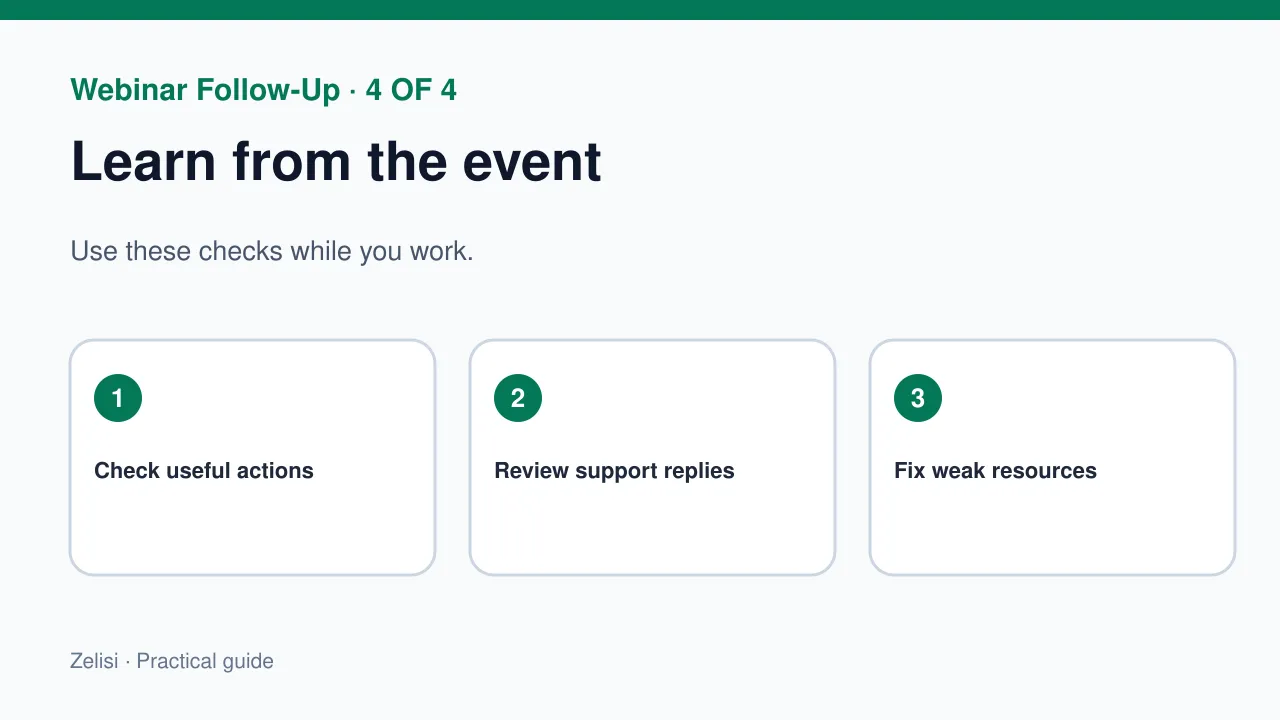
Use the next event to fix the last one
After the follow-up, review what people could not find or understand. Did the replay link work? Were captions clear? Did common questions get answers? Were sales replies sent only to people who wanted them? Keep a short log of lessons for the next event. Update the registration page if it promised too much. Use the strongest audience questions to shape future topics. A webinar program improves when each session leads to a better one. The follow-up should close the gap between a good live talk and useful action after the screen goes dark.