Website Migration SEO Checklist: Keep Useful Pages and Links Working
Start with the reader’s journey
A site move is not just a server task. A reader may have saved a link, a customer may use an old invoice URL, and a search engine may know years of page addresses. If those paths break, the new site can look finished to the team but feel lost to everyone else. The safest move starts with a list of what people need to find. Keep the most useful pages easy to reach. Map each old URL to the closest new page before the design goes live. A site migration is successful when readers can reach the same useful answer without guessing where it went.
Decide what will change
Write down the scope before making redirects. Are you changing the domain, the URL paths, the site system, or all three? A new theme with the same URLs has a different risk from a domain move with a new page structure. Keep the scope as small as the project allows. If a site needs a new domain and a full redesign, ask whether the team can test the design first. A move with many changes at once makes it hard to know what caused a problem. Set a date, a rollback plan, and one person who can pause the launch.
Build an old-to-new URL map
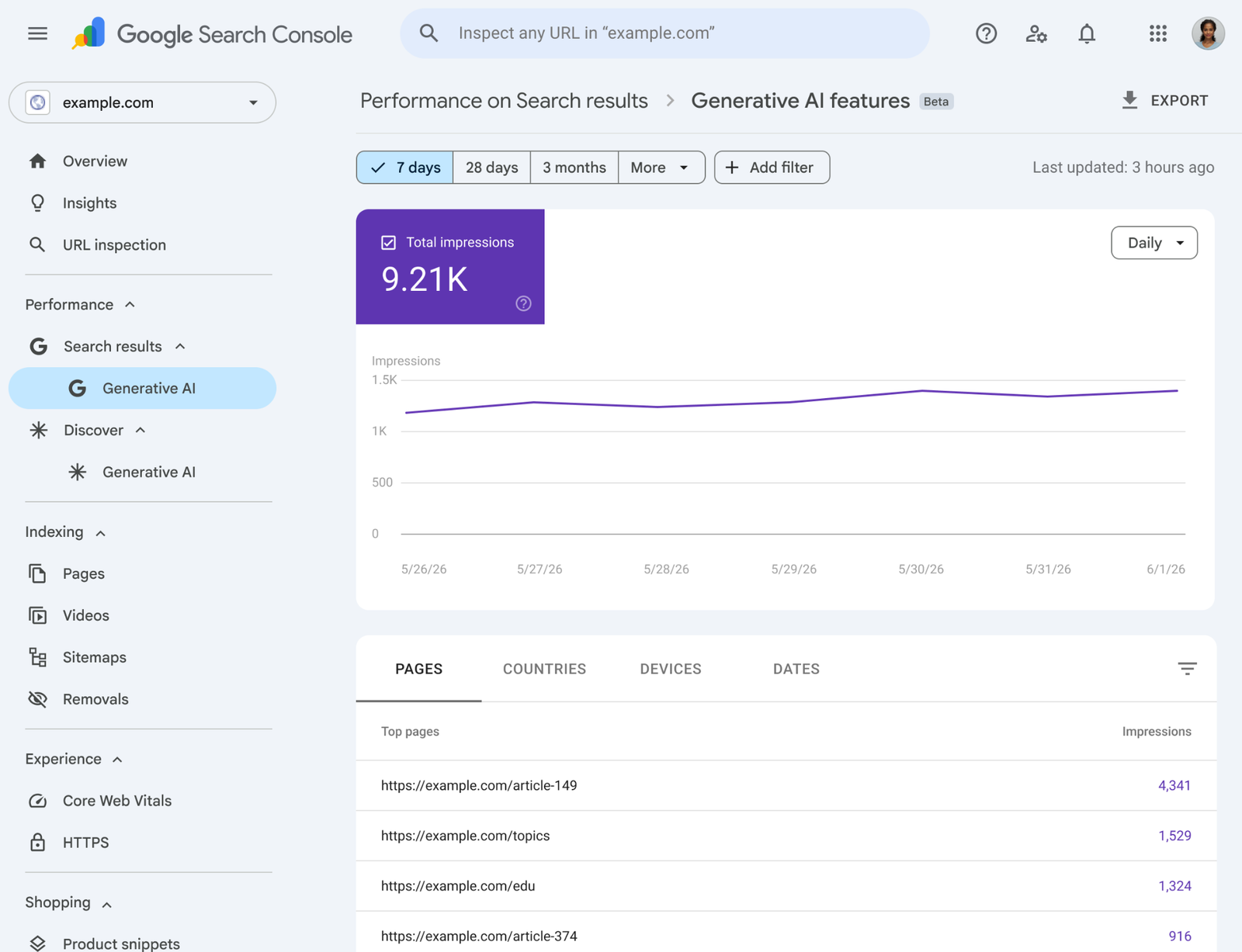
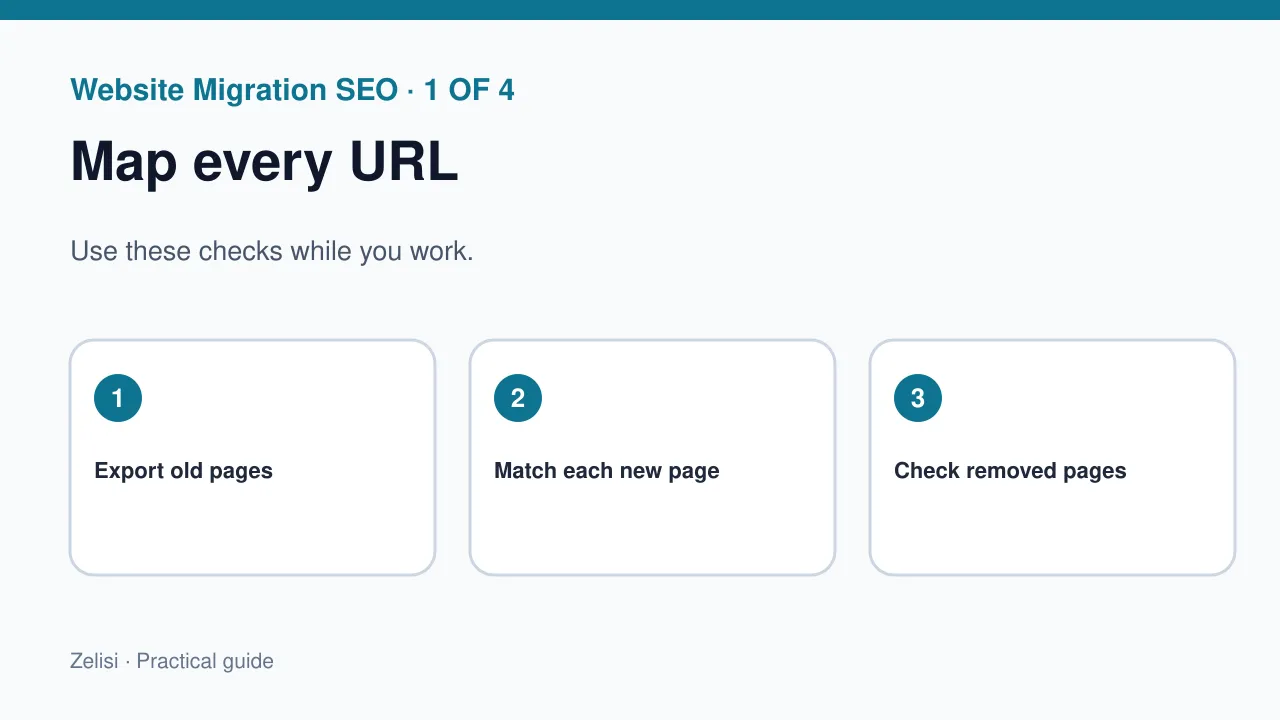
Export known URLs from your site system, XML sitemap, analytics pages, and server records. Add key URLs found in Search Console and links from partner sites. Do not trust only the newest sitemap. It may miss old pages that still get visits. In a sheet, give each old URL a target, page type, and review status. A service page should normally lead to its new service page. A removed event may need a useful archive or an honest 404 if there is no true match. Redirecting every lost page to the homepage can confuse readers. It hides the fact that the page no longer exists.
Choose redirects with care
Match the destination to the old intent
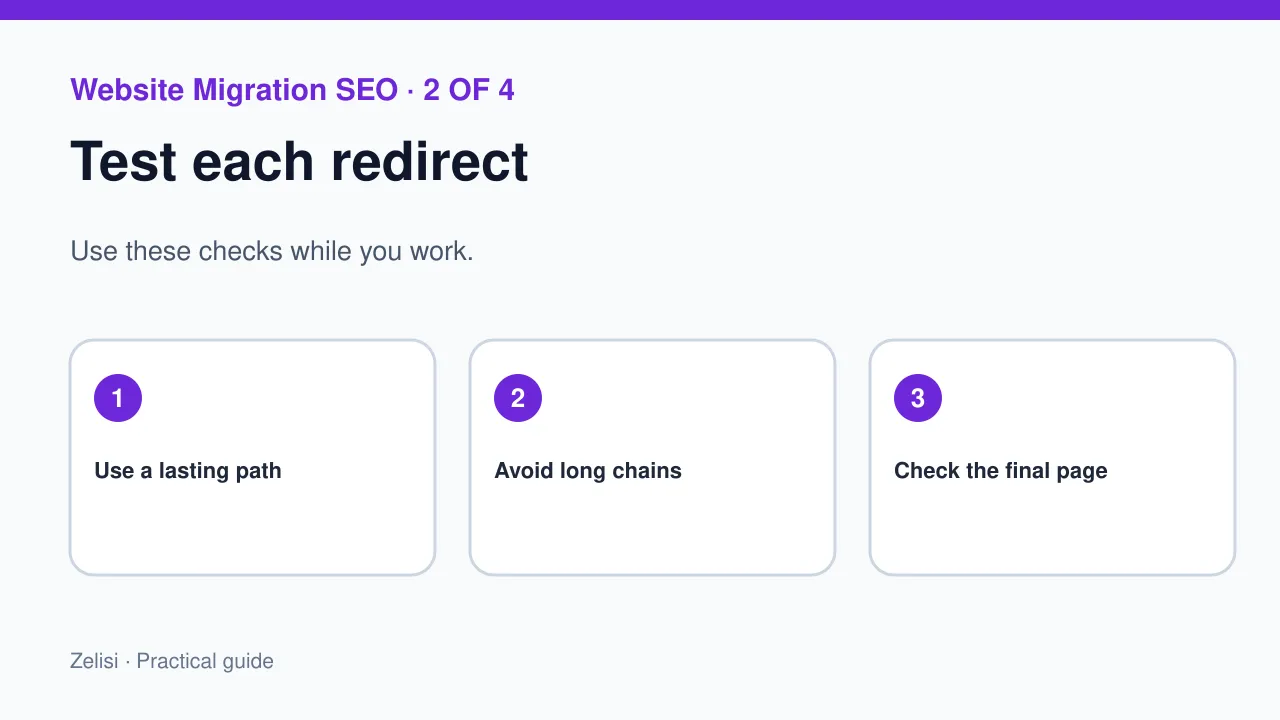
Google’s site move guide recommends permanent HTTP redirects, such as 301 or 308, for a lasting move. Put them on the server where you can. Test the response code and final location. An old URL should lead to its best new match in one step where possible. Avoid long chains that send a reader through three old addresses. Do not redirect an article about one topic to a sales page on another topic. A match should make sense to a person who clicked the old link. Keep redirects in place long enough for people and search tools to find the new paths.
Check internal links and canonical tags
A redirect can save an old bookmark, but new pages should link straight to the new URLs. Search the header, footer, articles, related-post blocks, and buttons. Fix links that still point to the old site. Then check each page’s canonical tag. It should point to the right preferred URL, not the old address by habit. A common mistake is to ship a new site with old canonicals copied from the test version. That can send mixed signals. Also check image URLs, forms, and downloads. A page that loads with missing files is not a clean move.
Make pages easy to crawl

Before launch, compare the old and new robots rules. Check that the real new site does not still carry a test-site noindex tag. Keep important pages linked from normal HTML links. A bot should not need to click a hidden button or run a complex script to find the next page. Update the XML sitemap with new canonical URLs, then submit it in Search Console. A sitemap helps discovery; it does not force pages into search results. The Google sitemap guide explains the basic format and how to submit it. Use it as a check, not as a cure for broken navigation.
Test with a small launch checklist
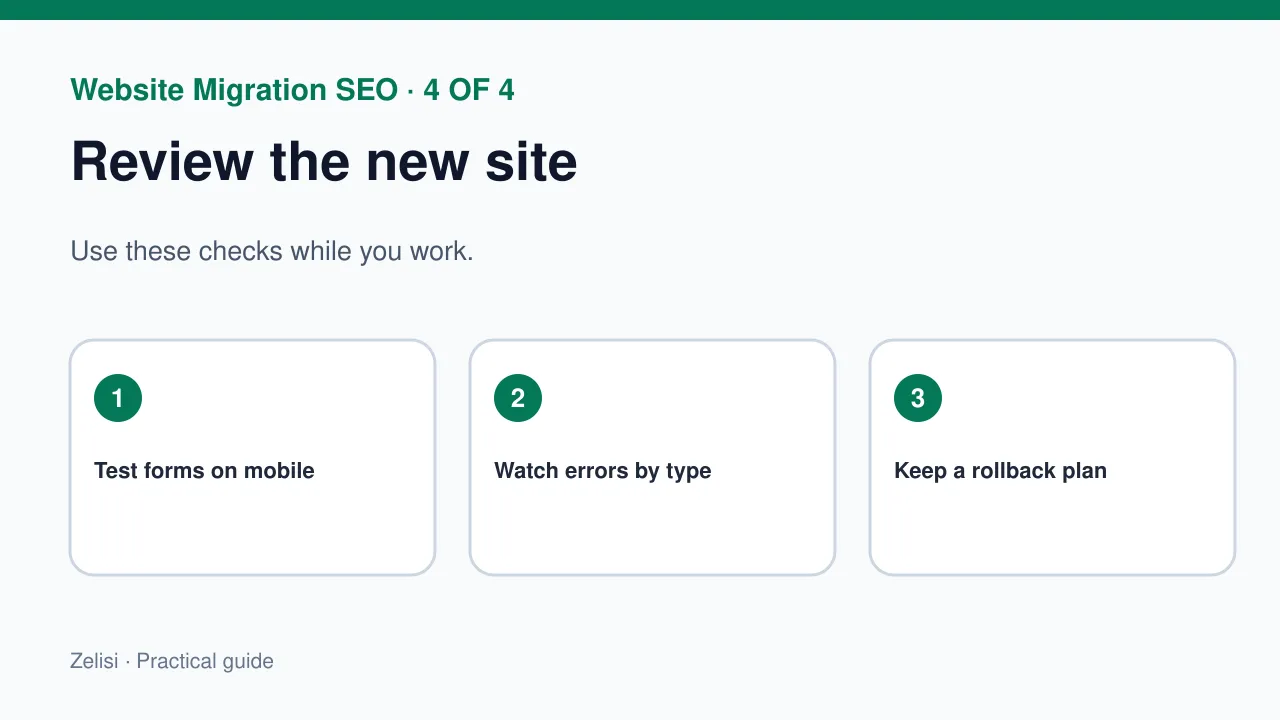
Use a sample from every page type. Test the homepage, product or service pages, articles, category pages, forms, and files. Check an old URL, the new URL, the page title, canonical, index rules, images, and the main action on the page. Test on a phone as well as a desktop. A fast site that hides its button on a narrow screen still fails the reader. Use a tool that shows HTTP codes, but also open real pages yourself. Look for text that no longer fits, missing media, or a form that does not send. Keep test results in one shared log.
Watch for real errors after launch
Read the patterns, not only totals
Expect some shifts while search engines find the new pages. That does not mean every drop is normal. Review Search Console coverage and page traffic each day in the first phase, then less often as things settle. Look for a group of 404s tied to one old path. Check if the site is returning 500 errors, if a canonical points to the wrong page, or if a redirect chain is too long. Compare groups of pages, not only the total click count. A homepage may recover while a key service section stays lost. Fix technical causes first, then decide whether content itself needs work.
Example: moving a small resource site
Imagine a company that moves fifty help articles from an old blog to a new support center. The editor exports all article URLs and maps each one to a new help page. A few articles are merged because they answer the same question. Those old URLs point to the new combined guide. Each new guide has its own title, links, and canonical. Before launch, the team tests ten paths by hand and crawls the full map. After launch, support staff report broken links from old emails. The team adds those old paths to the redirect list. This makes the site easier for real customers, not only easier for a crawler.
Know when to keep a 404
Not every old URL has a good new home. A page about a one-day event may be gone for good. If there is no close replacement, a clear 404 or 410 can be more honest than a link to an unrelated page. Add useful navigation to the error page so a visitor can find a category or contact support. Do not use a fake “page not found” message with a 200 success code. That can create a soft 404 problem. A clean site has room for pages that no longer exist. The goal is to handle them in a way that makes sense.
Keep a rollback path
A team should know what it can undo if the new site breaks. Save the old URL map, site settings, and a tested backup. Name the person who can restore access or reverse a bad change. A rollback is not always simple once a domain move is live, so the plan should say which part can be restored and how. Watch for payment, form, or login failures before small style issues. Do not keep changing redirects at random during an outage. Record each fix and its test result. That makes it easier to tell what helped.
A final review that serves people
Before calling the move done, ask whether readers can still solve their main tasks. Check the most visited pages, the highest-value paths, and a sample of less popular pages. The Google redirect guide explains how permanent redirects help search systems follow a page move. Still, the human test matters: does the old link take someone to the right answer? Does the new page work on mobile? Can a reader reach the next step? Use those questions in the final review. A good site move protects useful content, not just the address bar.