Pagination SEO for Large Websites: Help Readers and Crawlers Find Deep Pages
Pagination is a way to help people browse
A shop may have two thousand products. A blog may have ten years of posts. Showing everything on one page is slow and hard to use. Pagination splits a long list into smaller pages that people can browse. It is also a way to help search tools find items that sit deep in a category. The best setup serves both needs. Readers should know where they are and how to see more. Search engines should be able to follow links to the next set of items. A beautiful “Load more” button is not enough if the rest of the list is hidden from crawlers.
Pick the right page pattern

A site can use numbered pages, a “Load more” button, or an endless scroll. Each has a place. Numbered pages are easy to bookmark and revisit. A load button may feel smooth on mobile, but it should not hide content behind a path that cannot be reached by a URL. Endless scroll can work for discovery, yet it may be hard for someone to reach a footer or return to the same spot. Start with the reader’s task. Someone comparing products may want a stable page number and useful filters. Someone browsing photos may prefer a smooth scroll. The design should still give each set of items a path that loads on its own.
Give each page a real URL
A category page may show items 1–20, then 21–40, then 41–60. Make sure a user can open each group through a stable URL, even after the browser reloads. Test a direct link to page three in a new tab. It should show the right products without first visiting page one. The Google Search Central pagination guide explains why crawlable links to each set are important. If JavaScript adds items to the page, make sure the site also has links that search tools can find. Do not rely only on a click event that a crawler may not trigger.
Avoid the first-page canonical trap
Each page should stand on its own
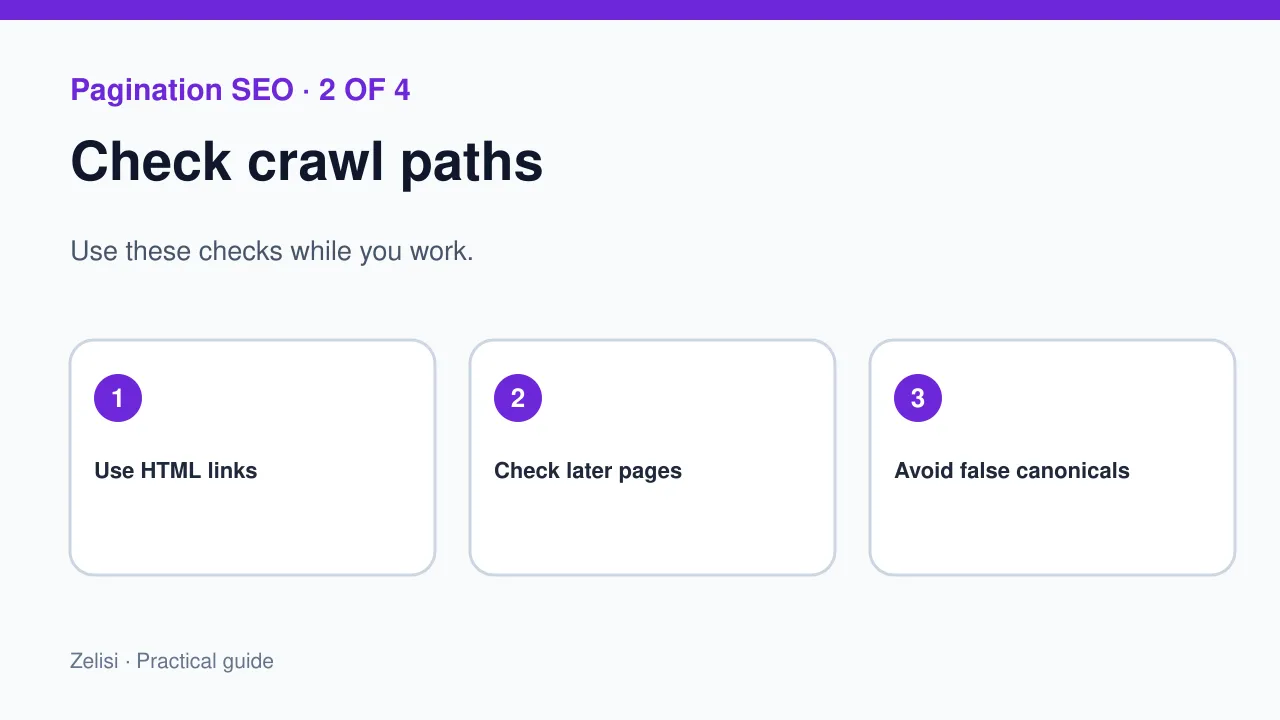
Some sites place the same canonical URL on every page in a list. They point page two and page three to page one. This can tell search tools that the later pages are copies, even when they contain different products or posts. Google’s guidance says not to use the first page as the canonical for the full sequence. Give each page its own useful URL and review canonical choices with the content it shows. If the site has duplicate filter URLs, handle those as a separate problem. Do not use one broad rule on every paginated URL just because it seems easy.
Keep links simple enough to follow
A next-page link should use a normal HTML link with a real destination. Use clear labels such as “Next” and page numbers. Add a way to go back when it helps. A reader using a keyboard should be able to reach these links. Check what happens when an item is removed from the list. Page four may now have fewer items, but it should not break. If the last page disappears, decide how to handle the old URL. Avoid sending it to an unrelated page. A reliable list should behave well as the number of items changes.
Design for people on small screens

A row of fifteen page numbers may fit on a desktop but not on a phone. Show a short range around the current page, plus clear next and previous actions. Make the tap targets large enough. Keep the current page easy to spot. If someone opens a product and then taps Back, try to return them to the same list position. That is a real part of usability. Test with a slow phone and a weak connection. Pages should not jump wildly while images load. A list that works only on a fast office laptop is not ready for a global audience.
Help users find a useful item sooner
Pagination should not replace search, sorting, or clear categories. A customer may need to find a blue jacket in a certain size, not browse through thirty pages of all clothing. Give useful filters where they help. But do not turn every filter mix into a search landing page by default. Some combinations add no value and can create too many URLs. Make a plan for which filtered pages deserve a crawlable path. Keep the main category easy to use. A person should not have to guess what page holds the right item.
Check a real example
Imagine a recipe site with 180 dishes in one category. It shows 18 dishes per page, so there are ten pages. The developer makes each page link work on its own. The editor checks that recipe titles are distinct and lead to the right post. The designer makes next and back buttons clear on mobile. A tester opens page seven from a shared link and reloads it. It still shows the right recipes. The team also checks whether a recipe removed from the list shifts the page count. This simple test finds more problems than looking only at the first page.
Handle empty and out-of-range pages
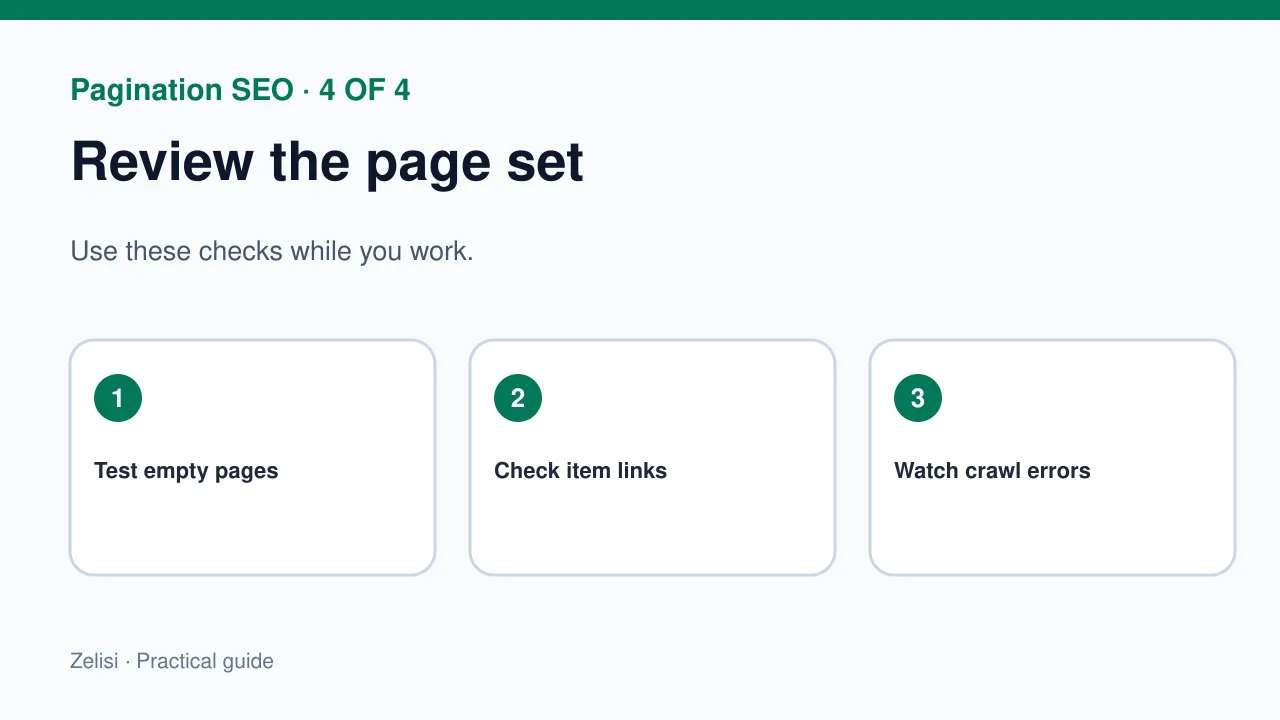
What happens if a visitor opens page 20 when the list now has only 12 pages? The site should give a clear result. Do not show a blank success page that looks like a broken category. You may choose a suitable response based on the system, but it should not pretend that hidden items exist. Check search and sort combinations too. If a filter returns no matches, tell the user and offer a way to clear the filter. Do not force them back to the homepage. A useful empty state saves time and reduces frustration.
Measure the behavior that matters
A low visit count on page eight does not always mean the page has failed. Many visitors may find the right item on page one. Look at whether people can reach deep items, whether pages load well, and whether users leave after an error. Test item detail pages as well as the list. Search Console can help show whether deeper URLs are crawled and seen. Analytics can show list use, but keep the numbers tied to the user task. Do not chase clicks on “Next” as a goal on its own. The point is to help someone find an item, not to make them tap more.
Run a small technical audit
Quick checks for every template
Open a paginated URL directly and inspect its HTML. Check the page title, canonical, links, and the items shown. Try a next link and a previous link. Turn off JavaScript for a basic check where practical. Look for broken links and duplicate items at page boundaries. Check that important item pages have links from the list or other normal site paths. Review the robots rules if later pages do not appear in crawl tools. The problem may be a blocked URL, not a weak article. Fix the path first, then judge search results.
Keep the pattern steady as the site grows
A small site may start with two pages and grow to two hundred. The pattern should still work. Write a short rule for page sizes, URL paths, links, filters, and empty states. Test it when the theme or site code changes. Keep the guide in the team’s build notes. If the site changes from numbered pages to a load button, test the crawl path again. Remember the human task: each new set should be easy to reach, use, and share. Good pagination does not seek attention. It lets people move through a large body of useful content without losing their place.