Social Media Account Security Plan: Protect Access and Prepare for Recovery
One lost login can put a brand account at risk. This plan covers who has access, how to keep it safe, and what to do if something goes wrong.
Why an account plan belongs in the marketing plan
A social account can take years to build and minutes to put at risk. A lost login may cut off customer messages, paid campaigns, and brand updates. It can also expose followers to false links. Small teams often know who writes posts but have no clear answer to a basic question: who owns the account and who can recover it?
A social media security plan does not need to be a large policy. It needs a list of official accounts, a clear owner, safe access, and steps for a bad day. The same plan can help when a staff member leaves or a phone is lost. This article focuses on practical work a marketing manager can do with the people who run the business.
Security is not separate from content. If your team loses access, it cannot correct a false post or answer a client. A recovery plan protects the trust your content has built.
Make a full list of brand accounts
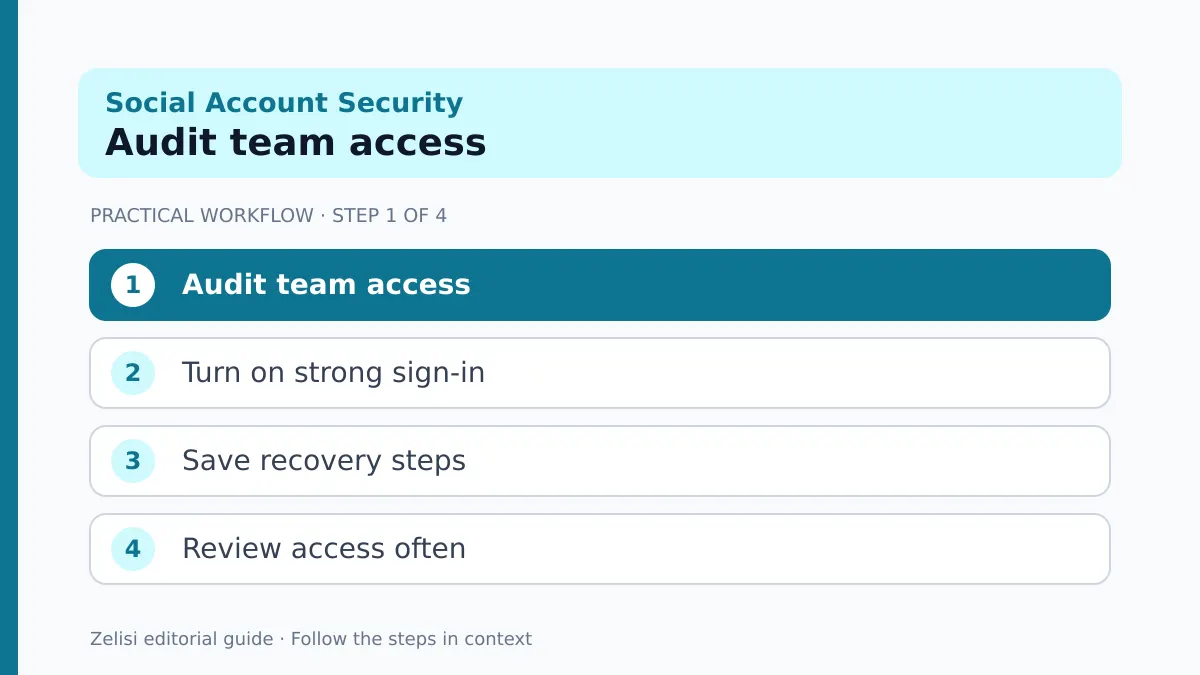
Start with every channel the business owns. Include active pages, old profiles that still appear in search, regional accounts, and ad accounts linked to the main profile. Record the official display name, handle, owner, business email, and link to the platform’s own admin area.
Do not store passwords in the same sheet. The inventory should show who has access, not the secret they use to sign in. A password manager can handle credentials where a platform still requires shared sign-in, though named roles are better when available.
Also check for accounts made by former contractors. A page may look official yet be tied to a personal email no one at the company controls. Work with the current owner to transfer the right role through the platform’s supported process. Do not try to bypass account protections.
Review the list at least when the team or agency changes. An inventory that has not been touched for two years may give false comfort.
Use named roles and the least access needed
A designer who uploads images may not need billing access. A support agent may need to read and answer messages but not remove an owner. Where the platform supports roles, give people the minimum access needed for their work.
Keep at least one trusted business owner who can review roles, but avoid spreading full admin rights across every contractor. Ask new partners what access their task needs before granting it. Remove access at the end of a project, not months later.
Keep business ownership separate from a person’s private identity where the platform allows it. Still, remember that many networks use a personal account as the gateway to a business page. That gateway must be secured too.
Record the date a role was granted, who approved it, and when it will be reviewed. This makes offboarding a short task instead of a risky investigation.
Turn on strong sign-in protection
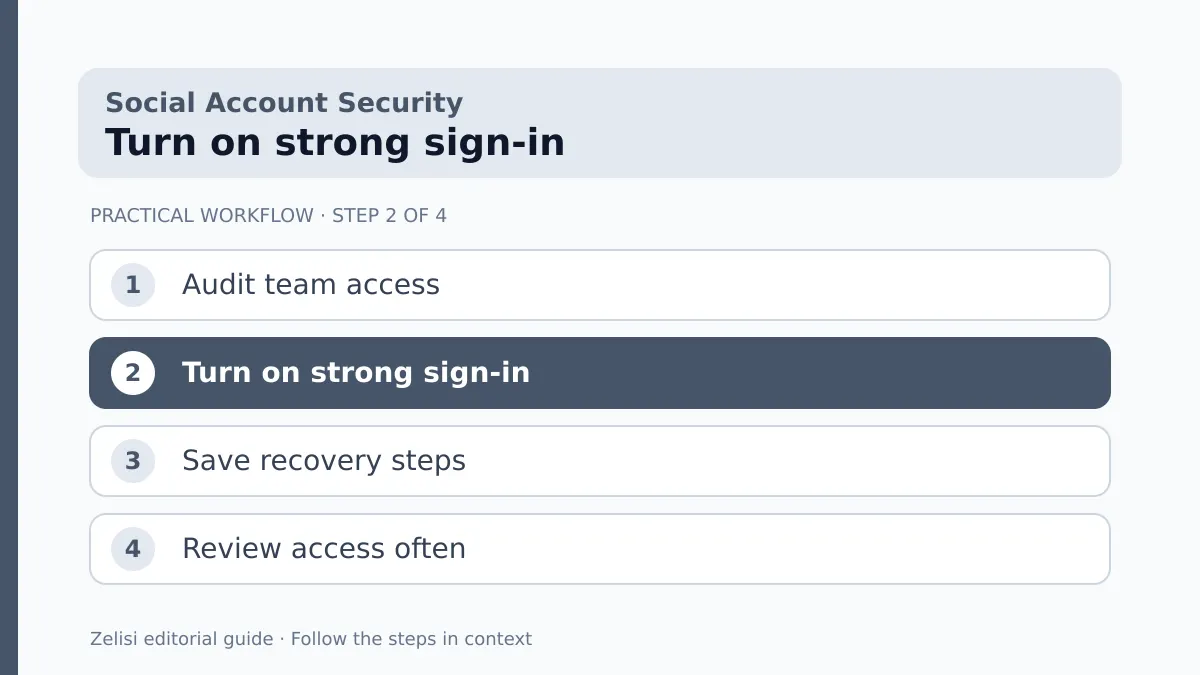
A long, unique password is a start, but it is not enough if someone can trick a user into sharing it. Enable the strongest suitable two-step verification or passkey option supported by each service.
YouTube’s channel security guide recommends scanning for malware, using a passkey for verification, and preparing account recovery. It also warns that fake brand offers can lead creators to open harmful files. These are not just problems for large channels. A small shop can receive the same fake sponsor email.
Check the recovery email and phone. Are they current? Does the business control them? Can the owner receive a code when abroad? Keep backup methods in a secure place that authorized people can reach in an emergency.
Do not rely on a single employee’s phone as the only recovery path. If that phone is lost, the team may face a second crisis while trying to fix the first.
Teach the team to spot common traps
A practical team check
Phishing often arrives as a message that looks urgent. It may claim a copyright complaint, a verified badge issue, an ad payment failure, or a new brand deal. The goal is to make someone click a link or download a file before thinking.
Give staff one rule: open the official platform directly to check an alert. Do not sign in through a link in an unexpected message. If a message seems real, ask the owner to check it through the app or admin area.
A strong warning is useful, but practice helps more. Show a safe example of a fake notice and ask the team what looks wrong. The sender address, odd domain, urgent deadline, and request for a password are all clues. No single clue is proof. The safe response is to verify through a known path.
Include agencies and freelancers in the training. They may receive the same messages because their names appear on posts or brand sites.
Build a recovery card before anything goes wrong
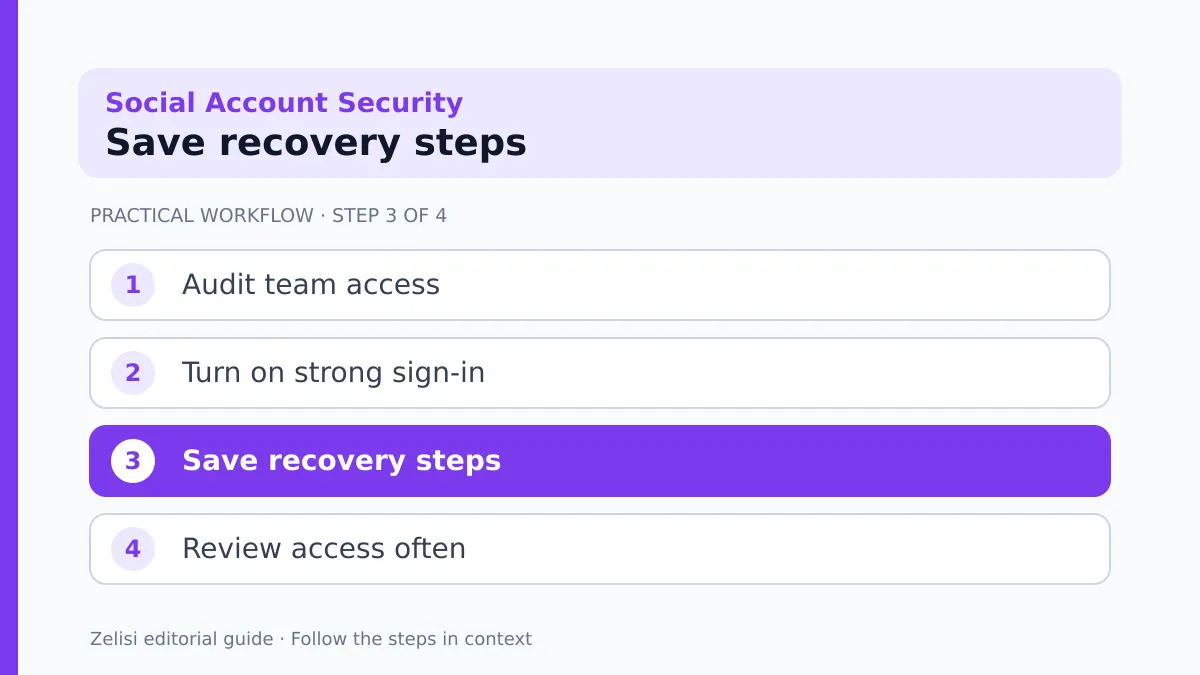
A recovery card is a short document that tells the team who to call and what to check. It should not hold raw passwords or private recovery codes. It should include the platform, account handle, authorized owner, secondary contact, official recovery help page, and a note about linked business assets.
Store it where the owner can reach it even if the usual chat account is unavailable. Keep a dated copy for each major platform. Check the links when the platform changes its help pages.
For a YouTube channel, the official hacked-channel recovery instructions explain the first steps. Other platforms have their own flows. Use those rather than a stranger who promises to restore an account for a fee.
The aim is to reduce panic. When a real incident happens, people should not waste the first hour searching old emails for a login owner.
What to do when access seems lost
First, pause risky actions. Do not keep sending passwords to people who claim they can help. Tell the business owner and the designated security contact. Check whether the account can still be reached through an authorized session or recovery method.
If access remains, change compromised credentials through the official service, review active sessions, remove unknown roles, and inspect recovery settings. If the account has been taken over, use the platform’s recovery flow. The order of steps can differ by platform, so follow its current guidance.
Record what happened: the first alert, any changes to posts or settings, and the time the team noticed the issue. Save evidence of false messages or transactions without spreading personal data across an open group chat.
Check linked ad accounts and payment methods too. A brand page may look normal while an attacker tries to run ads. Ask the right owner to review billing alerts and unexpected charges.
Protect followers while the team responds
If an account posts a suspicious link, do not assume every follower will know it is false. Use other official channels you still control to warn people. Keep the notice calm and specific: name the affected account, explain which links to avoid, and tell readers where updates will appear.
Do not publish guesses about who caused the issue. A clear fact is better than a dramatic story. If you do not yet know whether follower data was exposed, say the team is investigating rather than claiming all information is safe.
Customer support needs the same message as the social team. Someone who calls the company should hear a consistent answer. Keep a small log of public notices, corrections, and questions that need a later reply.
After recovery, review the posts and profile details. Delete or correct unauthorized material through the platform’s tools, and tell followers when the account is back under control.
A real-world handover example
Imagine a local design studio that hired a freelancer to manage two social pages. The freelancer used a personal phone for login and later moved to a new role. Six months on, the studio wants to change its ad campaign but no one knows who has full access.
A calm handover starts with a list of accounts and roles. The business asks the freelancer to transfer supported permissions while both sides can confirm the change. The owner checks recovery email settings, adds another trusted admin where appropriate, and removes old permissions only after access works.
The studio then assigns publishing rights to the new editor without giving billing rights. A recovery card lists the owner and official support pages. The next freelancer handover takes one meeting instead of weeks of worry.
This example shows that prevention often means tidy administration, not a new security product.
A short monthly access review
A practical team check
Put a 15-minute check on the calendar. The exact frequency can change with team size and risk, but it should happen after every staff or agency handover.
- Confirm the list of official accounts and their owners.
- Review admins, editors, agencies, and linked apps.
- Check recovery contacts and two-step verification.
- Review unusual sign-ins, posts, and billing notices.
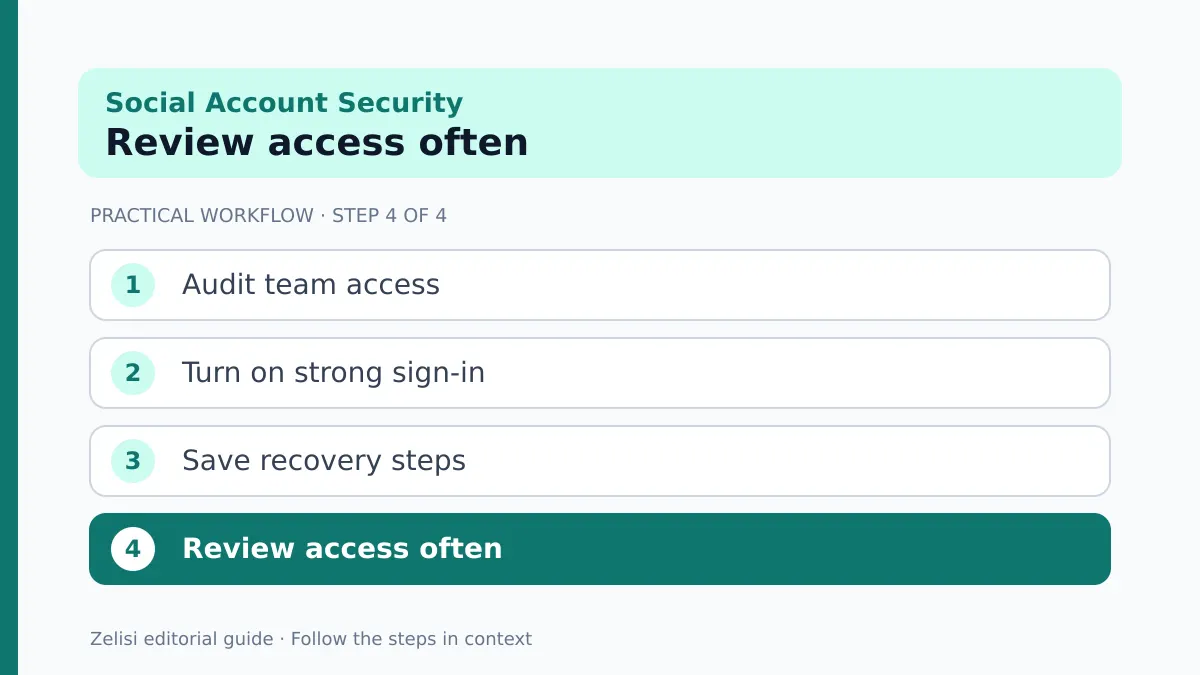
- Update the recovery card and offboarding notes.
Avoid posting screenshots of recovery settings in a large group chat. Share only what each person needs. If a tool asks for broad permission, ask why and whether there is a narrower option.
Keep the review log short. One line can record the date, reviewer, problems found, and action taken. The point is to make routine care visible so it does not depend on memory.
Make security part of the content workflow
A content calendar tracks what to publish. It should also show who can approve a post and who can stop a scheduled item if a problem appears. If the only editor is away, name a backup. If an urgent correction is needed, agree on the path to publish it.
When a campaign ends, remove access that was granted only for that campaign. When a new tool connects to an account, record what it can do. Review tools that have not been used in months.
Strong access rules should not slow down every small task. Give the right people the right permissions, train them, and keep the recovery path clear. A social media account security plan is successful when normal work remains smooth and an unusual event has an owner.
The best time to write the plan is while everyone can still sign in. That small habit protects both the brand and the people who follow it.